
Create Photorealistic Renders from SketchUp with AI
Upload exported views from any SKP file and our AI handles lighting, materials, and depth, delivering presentation-ready architectural renders in under 60 seconds. Works with SketchUp 2019 through 2026. No plugin or GPU needed.
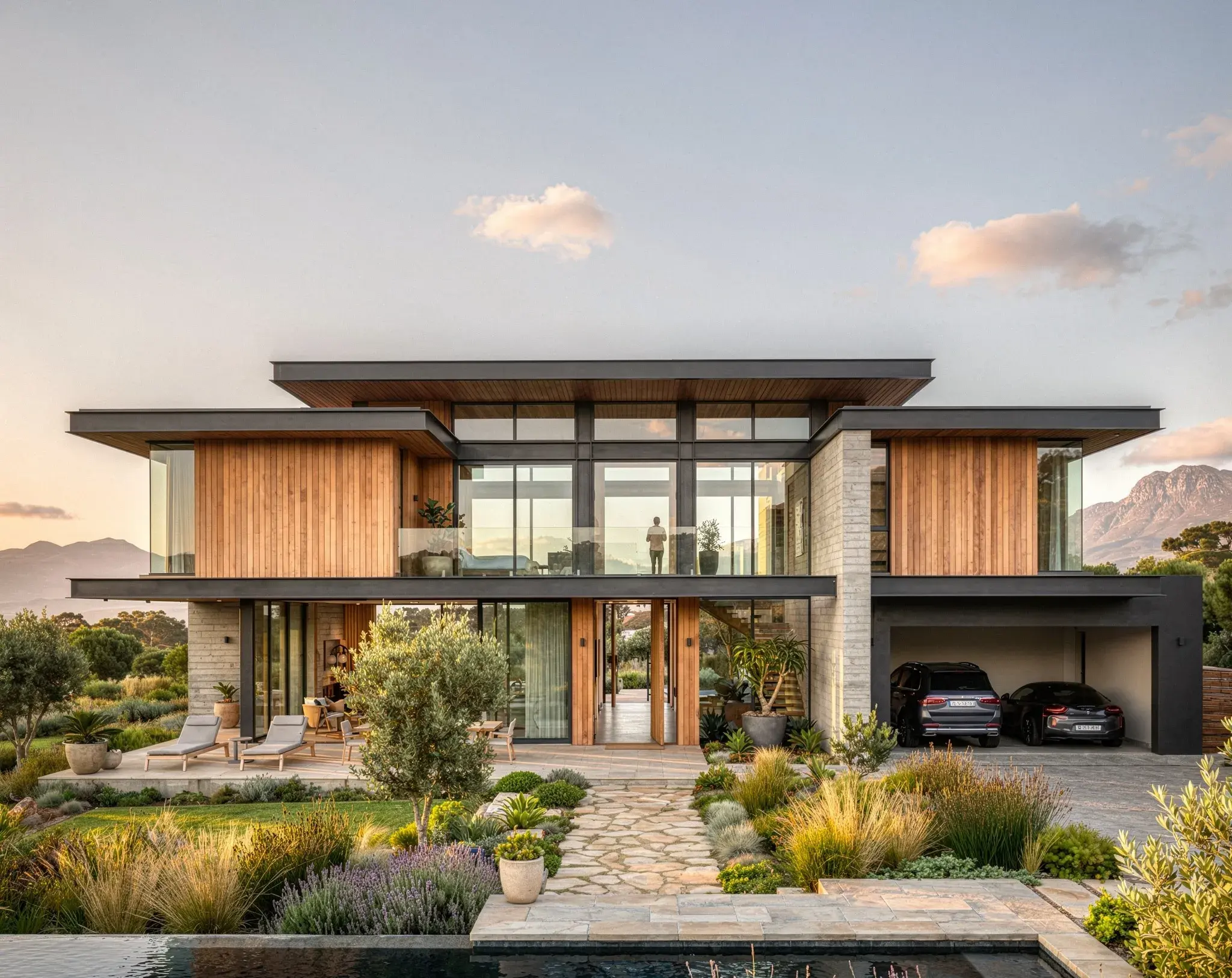
Render your SketchUp model in 3 steps
Export your SketchUp model as a 2D image
Open your project in SketchUp, position the camera on the scene you want to render, and export it as a PNG or JPG using File → Export → 2D Graphic.
Upload to Vibe3D and set your render style
Upload the exported image to Vibe3D. Select your lighting time-of-day, environment mood, and architectural style — from warm residential interiors to clean commercial exteriors.
Get a photorealistic AI render in seconds
Vibe3D's AI renders your SketchUp model into a photoreal architectural image in under 60 seconds. Download at 2K+ resolution, iterate on styles, or share directly with your client.
Traditional SketchUp Rendering vs Vibe3D
| Feature Evaluation | Traditional Rendering | Vibe3D AI EngineRecommended |
|---|---|---|
| Setup Required | Install plugin + configure materials + license | Export SKP → upload → render |
| Hardware | Dedicated GPU / rendering workstation | Any browser on any device |
| Render Time (single image) | Minutes to hours depending on scene complexity | Under 60 seconds |
| Learning Curve | Moderate to high (V-Ray, Enscape, Lumion) | Minimal — designed for architects, not render artists |
AI for SketchUp that renders models with zero setup
No plugins. No conversion steps. No geometry loss. Vibe3D reads your SketchUp models directly — preserving materials, scene views, and model accuracy so your renders reflect your design intent precisely.
Render a SketchUp model freeAI render from any SKP file
Export your SketchUp model as a 2D graphic and upload it directly to Vibe3D. The AI reads your geometry, material assignments, and saved scenes to produce a photorealistic render — no plugin installation required.
No plugin, no GPU, no render engine to configure
Skip the V-Ray material setup, Enscape license, or Lumion subscription. Vibe3D is cloud-based AI rendering software for SketchUp that runs entirely in the browser — on any Mac, Windows, or Linux device.
Preserves SketchUp scenes and camera angles
Your saved SketchUp scenes and camera views carry through to your render workflow. Lock in your presentation angles once inside SketchUp and keep them consistent across every iteration.
Photorealistic output for architecture and interiors
Generate client-ready architectural renders at 2K+ resolution. Vibe3D AI handles realistic lighting, material finishes, and depth — whether you're rendering a residential exterior, a commercial interior, or a conceptual design.
Elevate your SketchUp rendering workflow with AI
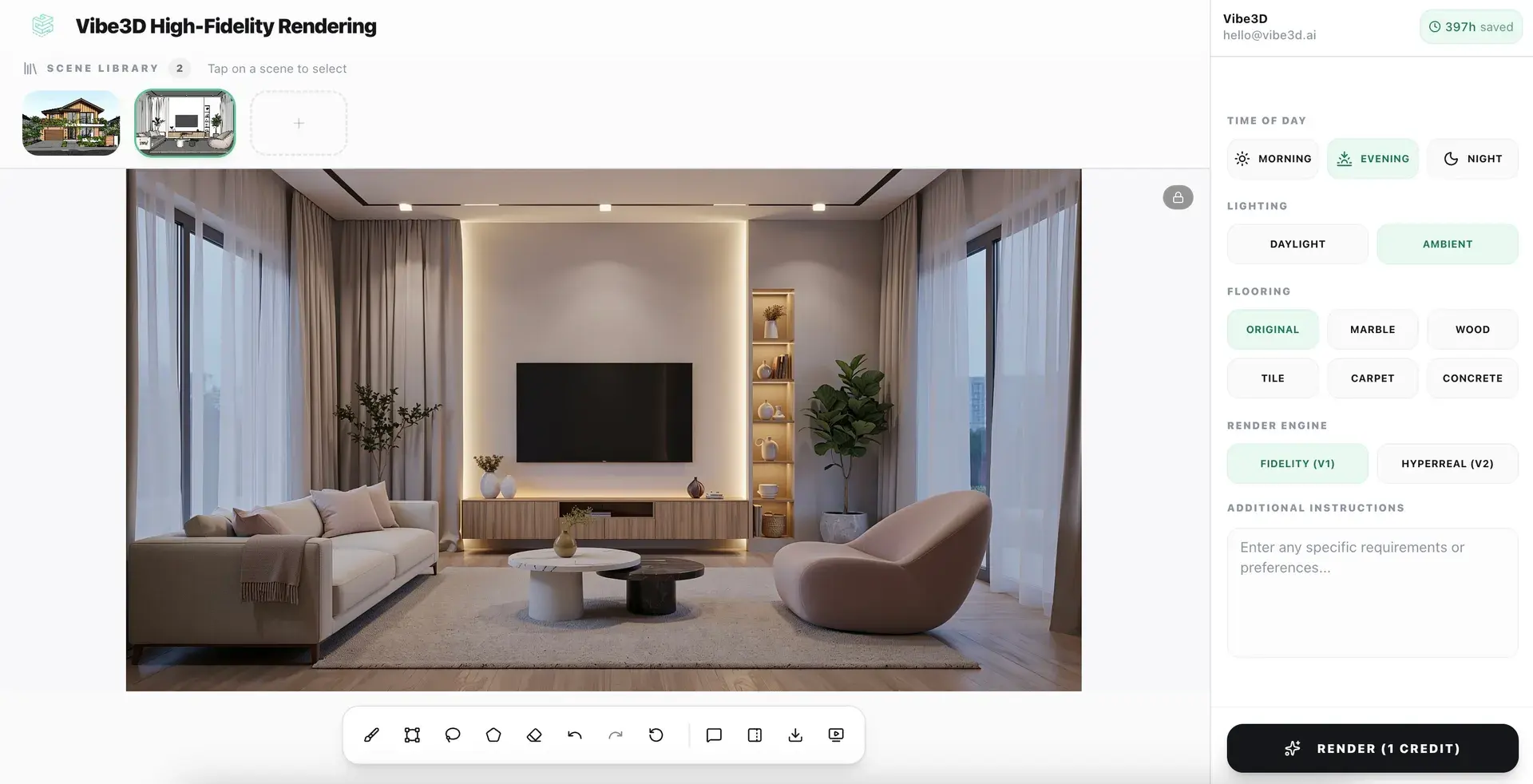
Photorealistic renders from your SketchUp models in under 60 seconds
No lighting rigs. No shader setup. No post-processing. Just upload your model and let Vibe3D's AI engine do the rest.
Explore AI Rendering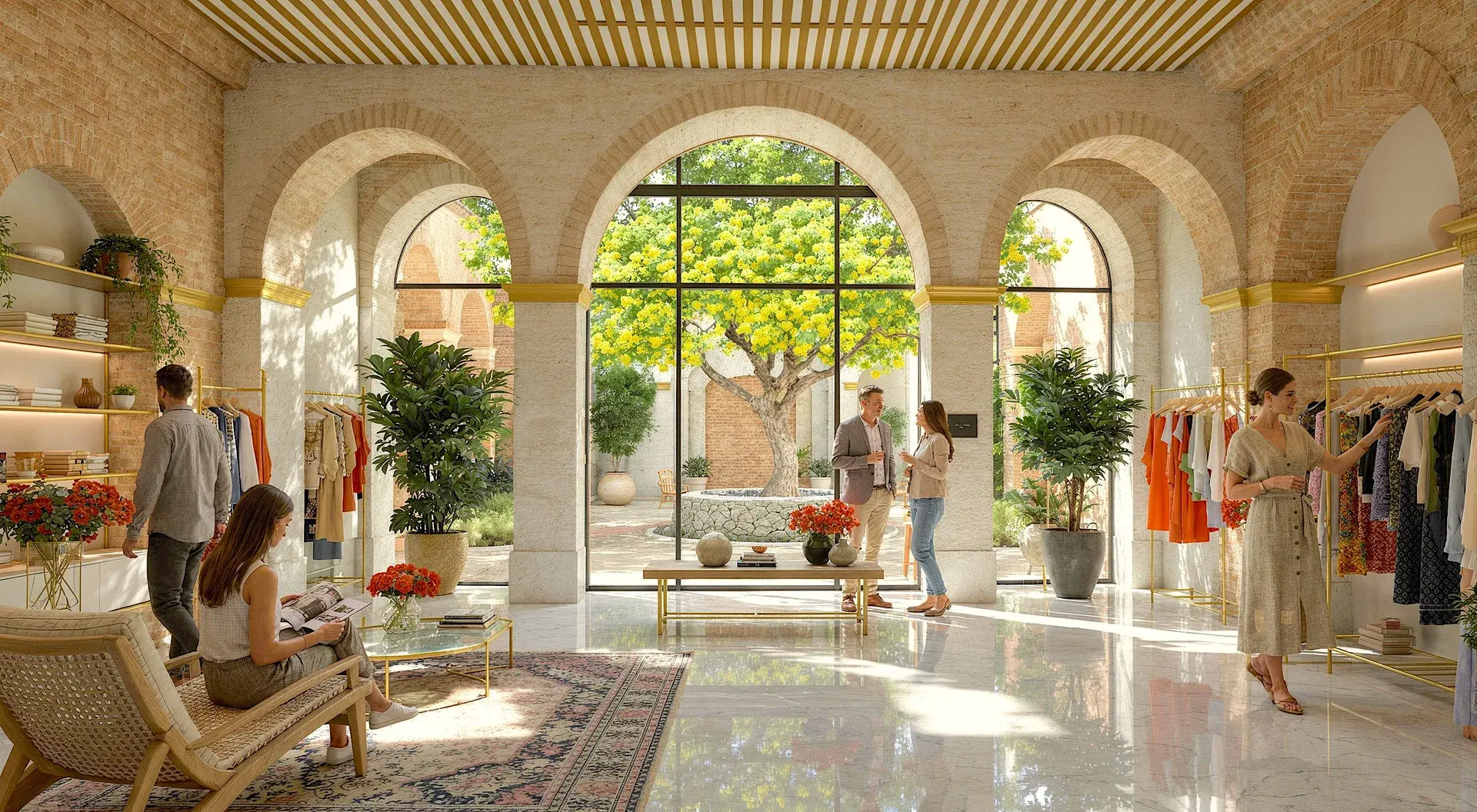
Upscale and enhance your SketchUp renders with AI
Boost resolution, fix lighting, sharpen details, and elevate render quality in seconds. No re-rendering or manual post-processing required.
Explore AI Render Enhancing
Create Cinematic videos from your SketchUp renders
Transform static SketchUp models into fluid, cinematic architectural flythroughs — no animation software or video production skills needed.
Explore Cinematic VideosEverything you need to render SketchUp models
SketchUp AI Rendering — Frequent Questions
What is SketchUp AI rendering?
SketchUp AI rendering is the process of converting a SketchUp model (.skp) into a photorealistic architectural image using AI, without a traditional render engine or workstation. Instead of configuring V-Ray, Enscape, or Lumion, you export the model as a 2D graphic and let Vibe3D read the geometry, materials, and lighting to produce a finished render in the cloud.
How do I render a SketchUp model with AI?
Go to File > Export > 2D Graphic in SketchUp and save the view as a PNG or JPG. Upload that image to Vibe3D, choose your lighting and style settings, and the AI generates a photorealistic render in under 60 seconds. No plugin needed.
What is the best AI rendering software for SketchUp?
Vibe3D is built specifically as AI rendering software for SketchUp. It requires no plugin, runs in the browser, and turns exported SKP views into photorealistic architectural renders in seconds. It is designed for architects and interior designers who want fast, accurate results without learning a complex render engine.
Can I do SketchUp AI rendering without V-Ray or Enscape?
Vibe3D is a cloud-based alternative to traditional SketchUp render plugins like V-Ray, Enscape, and Lumion. You export your model from SketchUp as a 2D image and the AI handles the rest. No plugin license, no GPU, no manual material setup.
What does SKP AI rendering mean?
SKP AI rendering refers to using artificial intelligence to convert a SketchUp file (.skp) into a photorealistic image. Vibe3D reads the exported geometry and materials and applies AI-driven lighting, textures, and depth to produce a finished architectural render without a traditional render engine.
Which SketchUp versions work with Vibe3D?
Vibe3D supports SketchUp exports from version 2019 through 2026, including SketchUp Free, Go, Pro, and Studio. Any version that can export a 2D graphic (PNG or JPG) works.
Is SketchUp AI rendering faster than traditional render plugins?
Traditional SketchUp render plugins like V-Ray or Enscape can take minutes to hours depending on scene complexity and GPU performance. Vibe3D produces a photorealistic render in under 60 seconds, running in the cloud on any device.
More Ways to Use Vibe3D with SketchUp
Create photorealistic room renders from the interior camera views already set up in SketchUp.
AI Exterior RenderingAdd realistic facade materials, landscaping and lighting to exported SketchUp exterior views.
Sketch to Image AITurn early sketches, linework and exported SketchUp views into realistic architectural visuals.
AI Landscape DesignExplore planting, paving and outdoor living around a SketchUp building view.