 Vibe3D
Sample Scenarios
3D Furniture Rendering
Turn furniture sketches, product images and 3D model views into photorealistic renders for catalogs, presentations and marketing.
Lighting
Style Presets
Additional Instructions
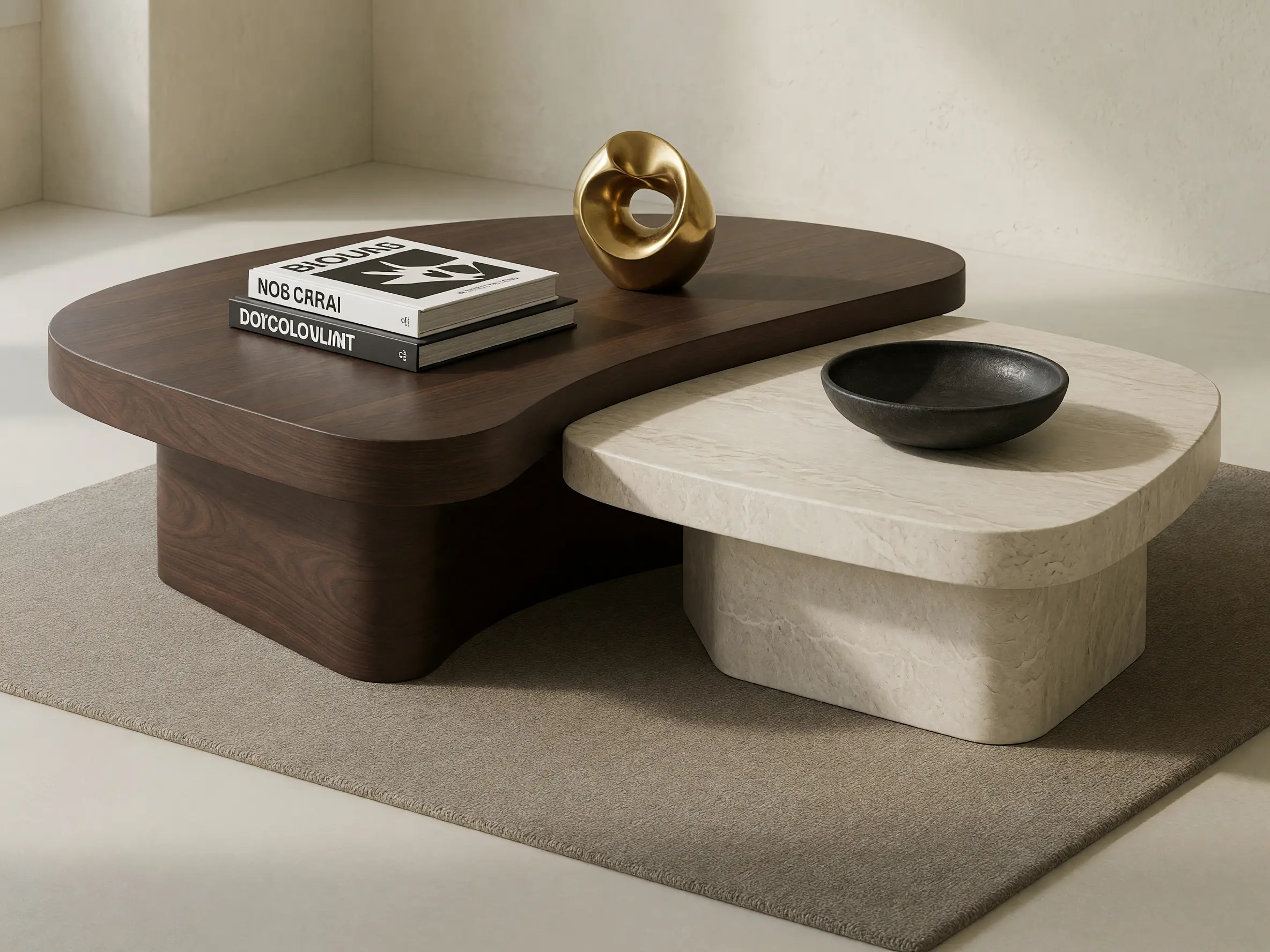
Dark walnut and light stone finishes with realistic material texture. Add minimal styling with books and sculptural decor in a warm neutral interior.
How to create a 3D furniture render
Upload the furniture design
Start with a sketch, product image or PNG or JPG view exported from your furniture or 3D modeling software.
Choose how it should be shown
Create a clean studio image, explore a new material finish or place the furniture inside an appropriate interior.
Build out the image set
Generate different variations and refine the strongest renders for presentations, catalogs, websites or campaigns.
Showcase your product in more ways
Use one furniture design to create the different visuals needed around it. Compare material and color variants, create clean product shots, place the piece in a room setting or develop a more editorial image while keeping the furniture as the visual reference.
Try 3D Furniture Rendering freeCreate finish and upholstery variants
Show the same chair, sofa or table in different fabrics, leathers, timber tones, metals and colors without creating a new scene each time.
Create clean product shots
Place the furniture against a simple studio-style background when form, proportion and material need to remain the focus.
Put the product in a lifestyle setting
Show the piece inside a living room, bedroom, hospitality space or other interior that helps communicate scale and use.
Show material and craftsmanship up close
Create tighter views that bring attention to upholstery texture, timber grain, joinery and other furniture details.
Photorealistic Results
3D furniture rendering examples
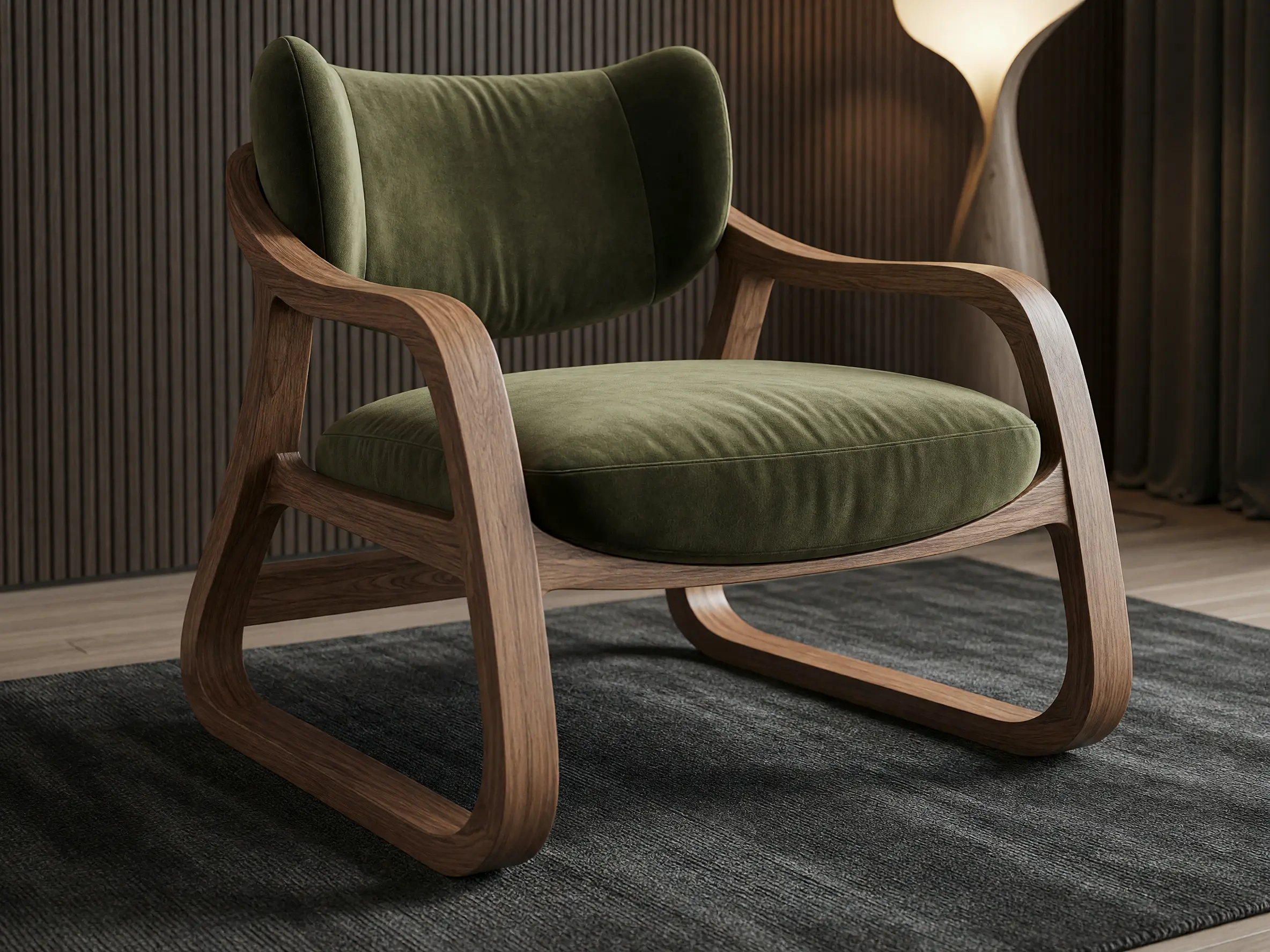
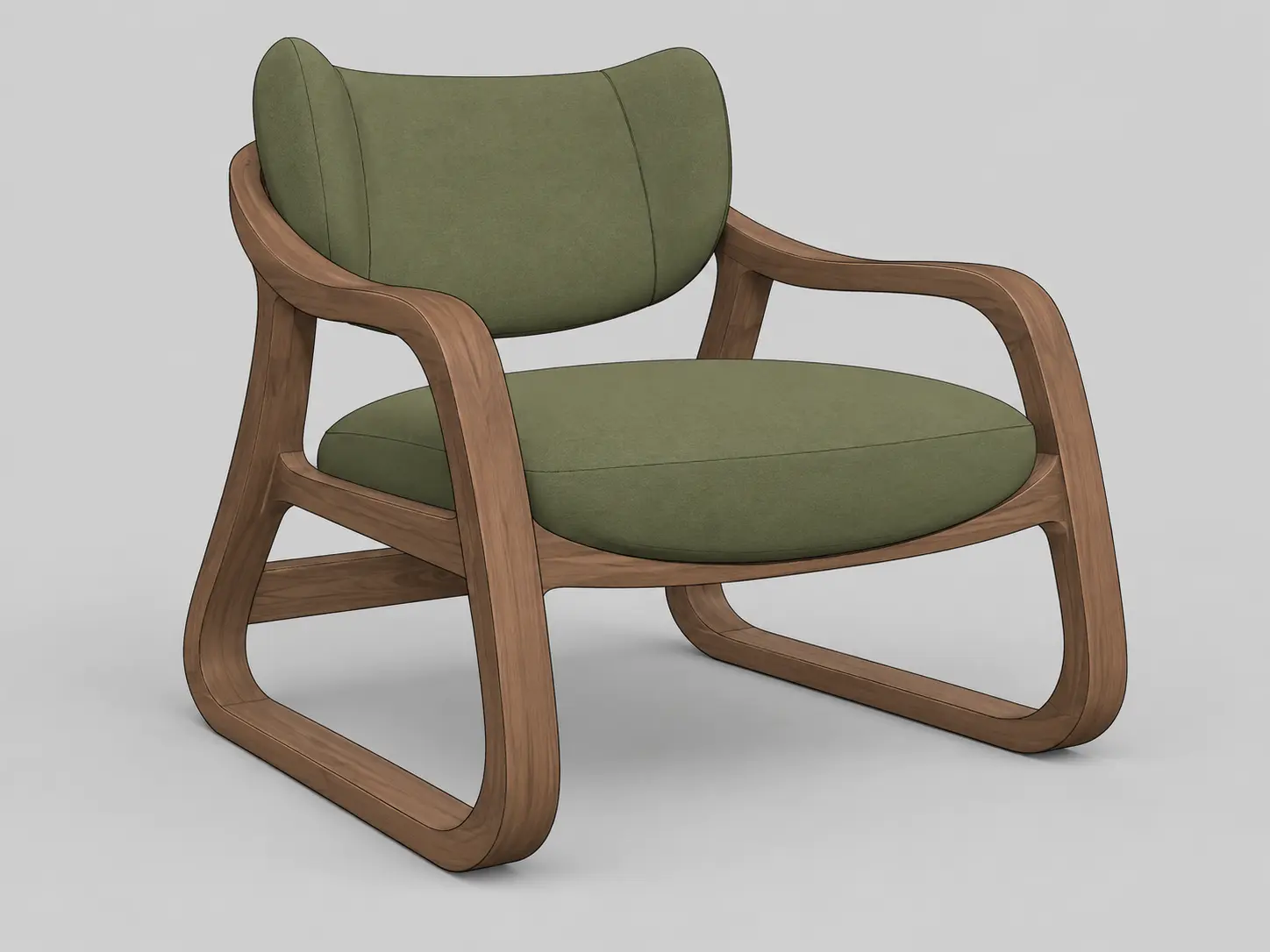
3D lounge chair model transformed into a photorealistic furniture render with walnut frame and olive green upholstery
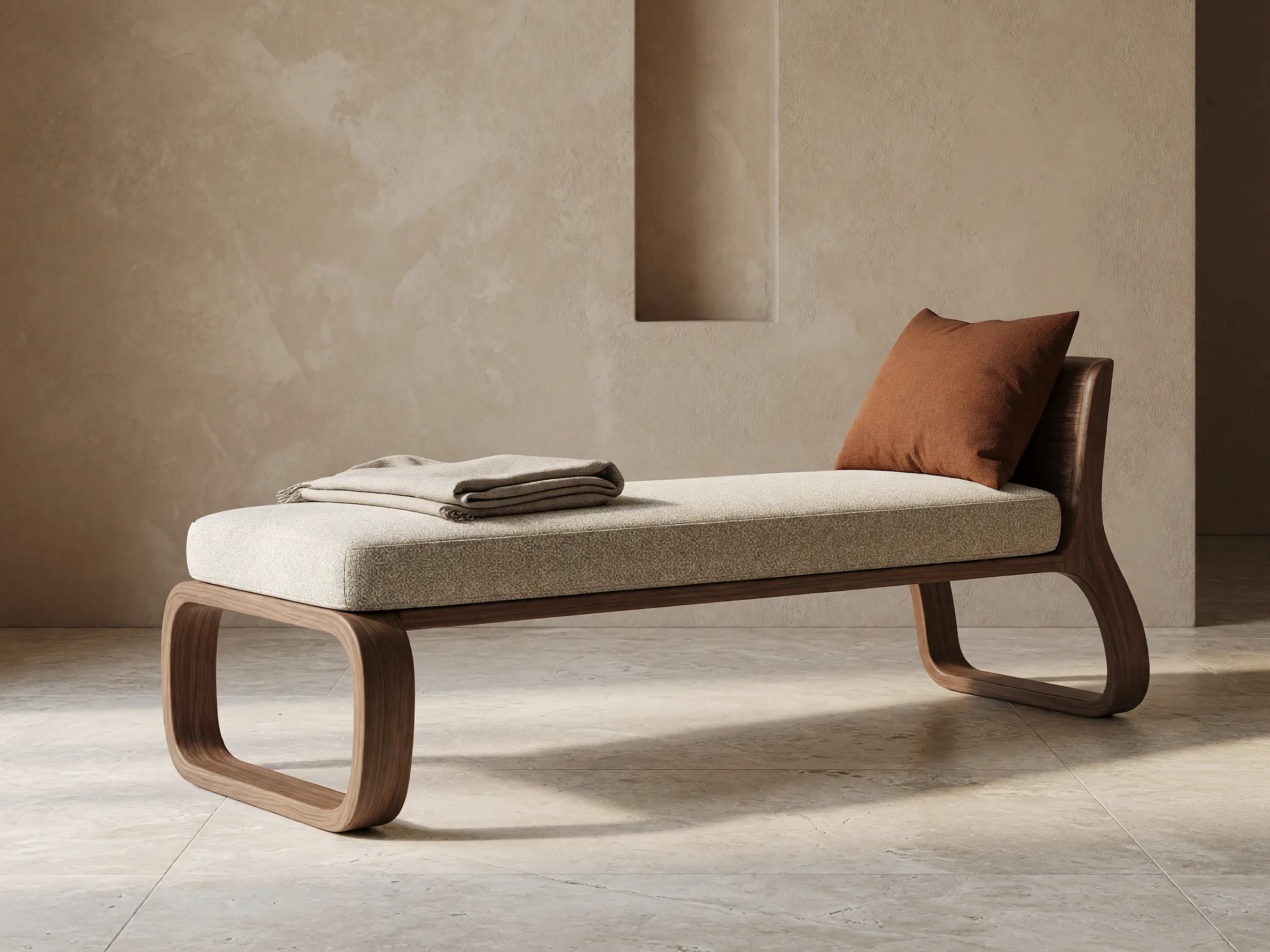
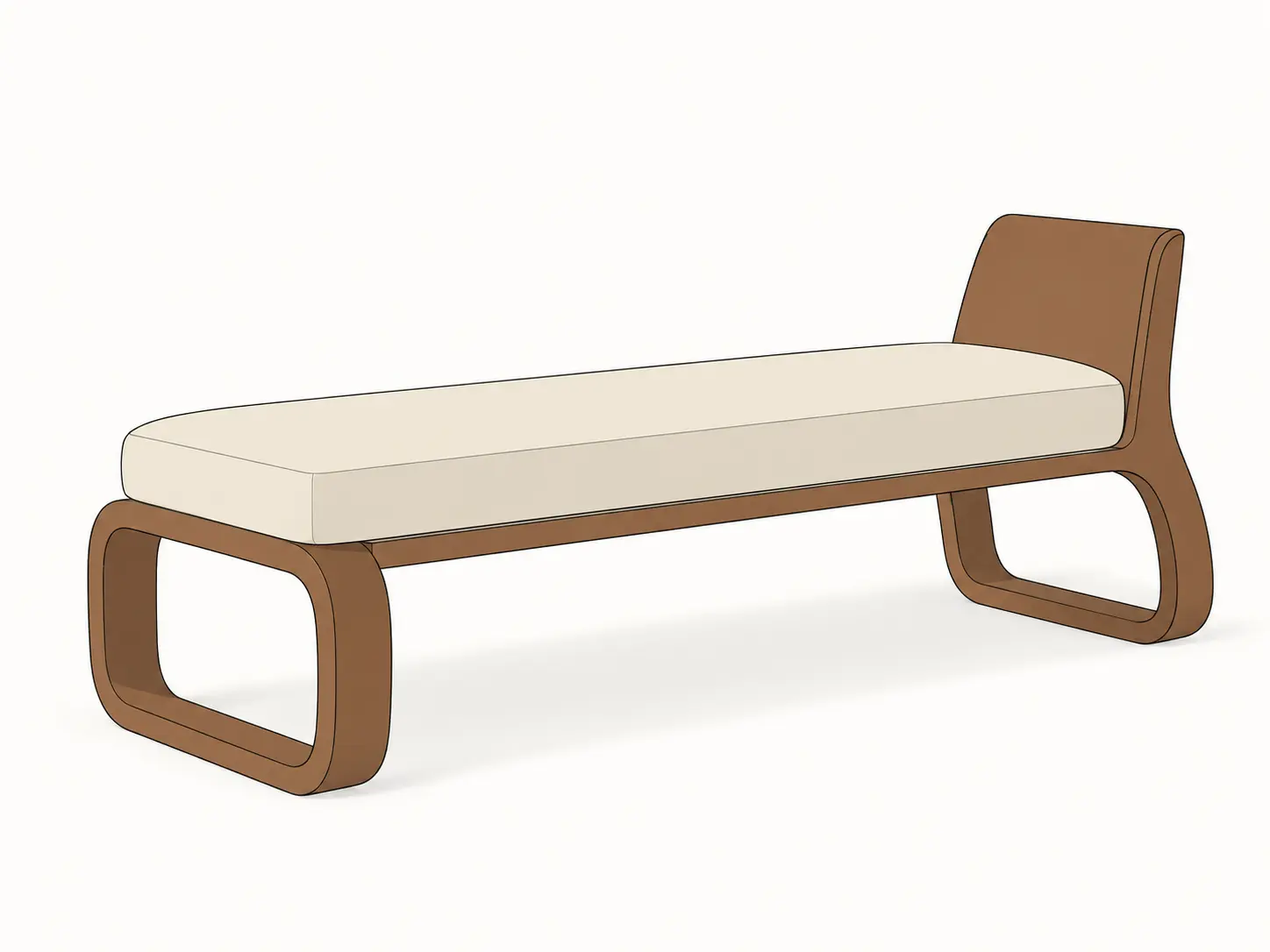
3D daybed model transformed into a photorealistic lifestyle furniture render with walnut timber and textured upholstery
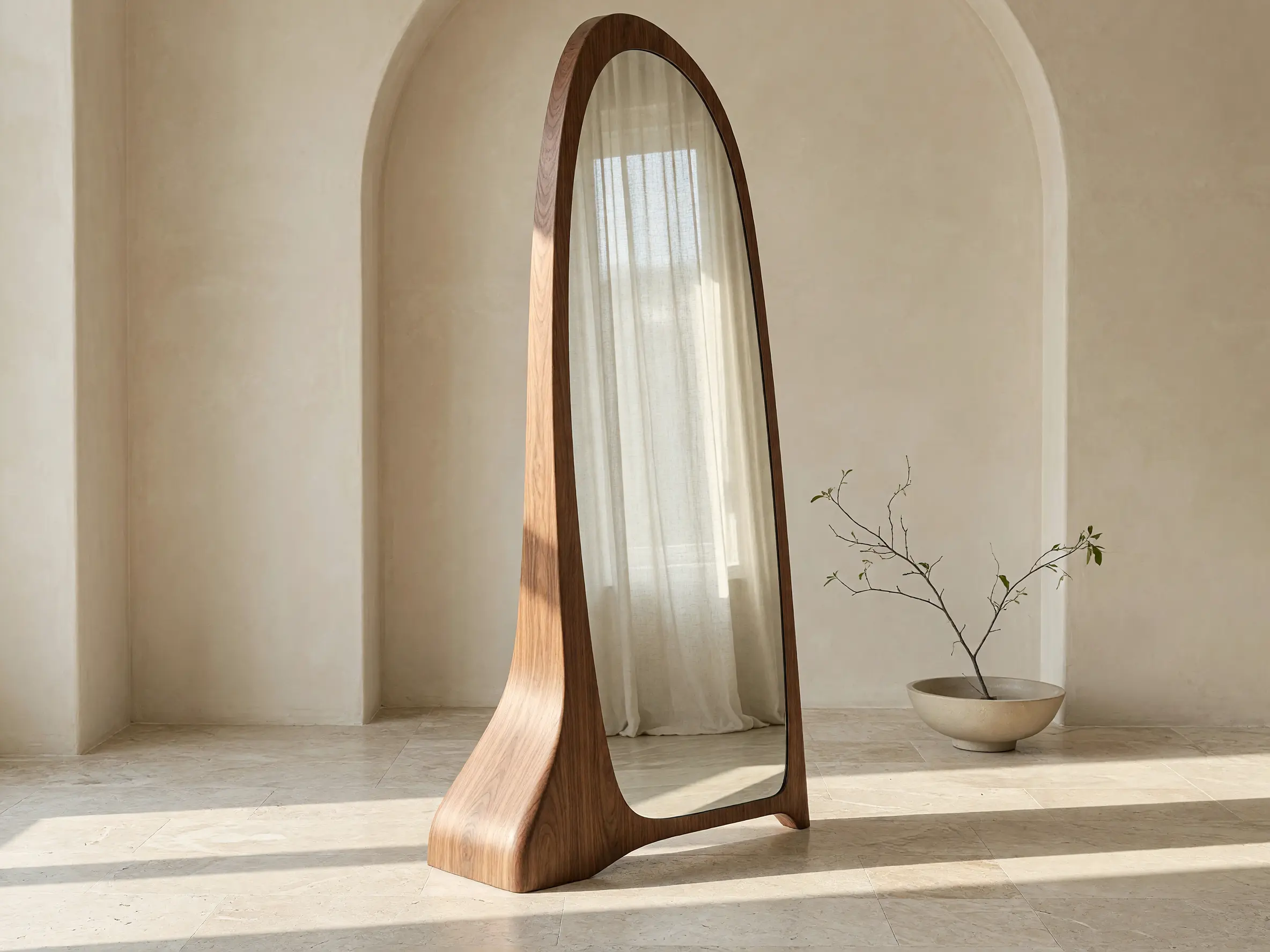
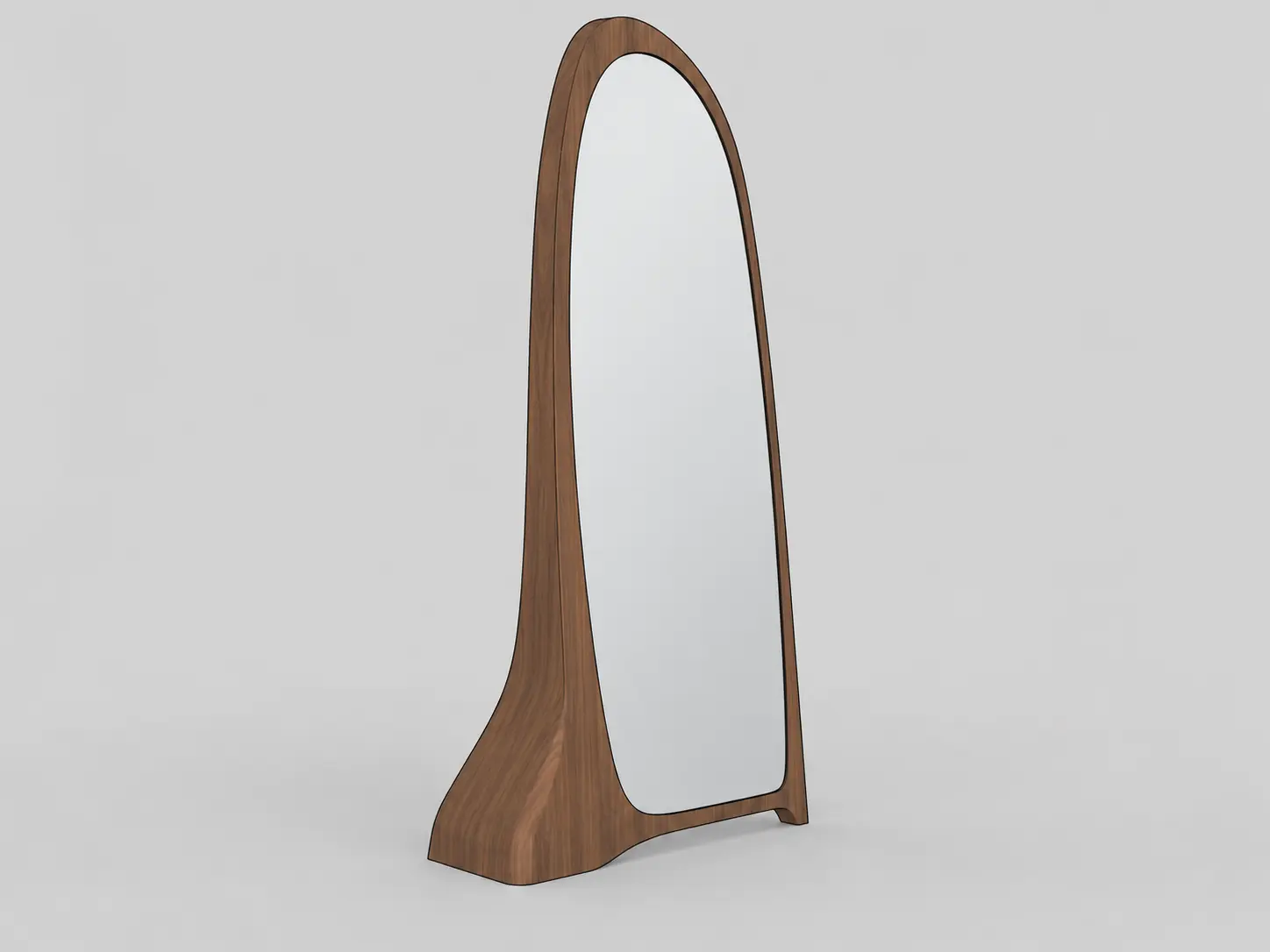
3D floor mirror model transformed into a photorealistic furniture render with a sculpted walnut frame and realistic reflection
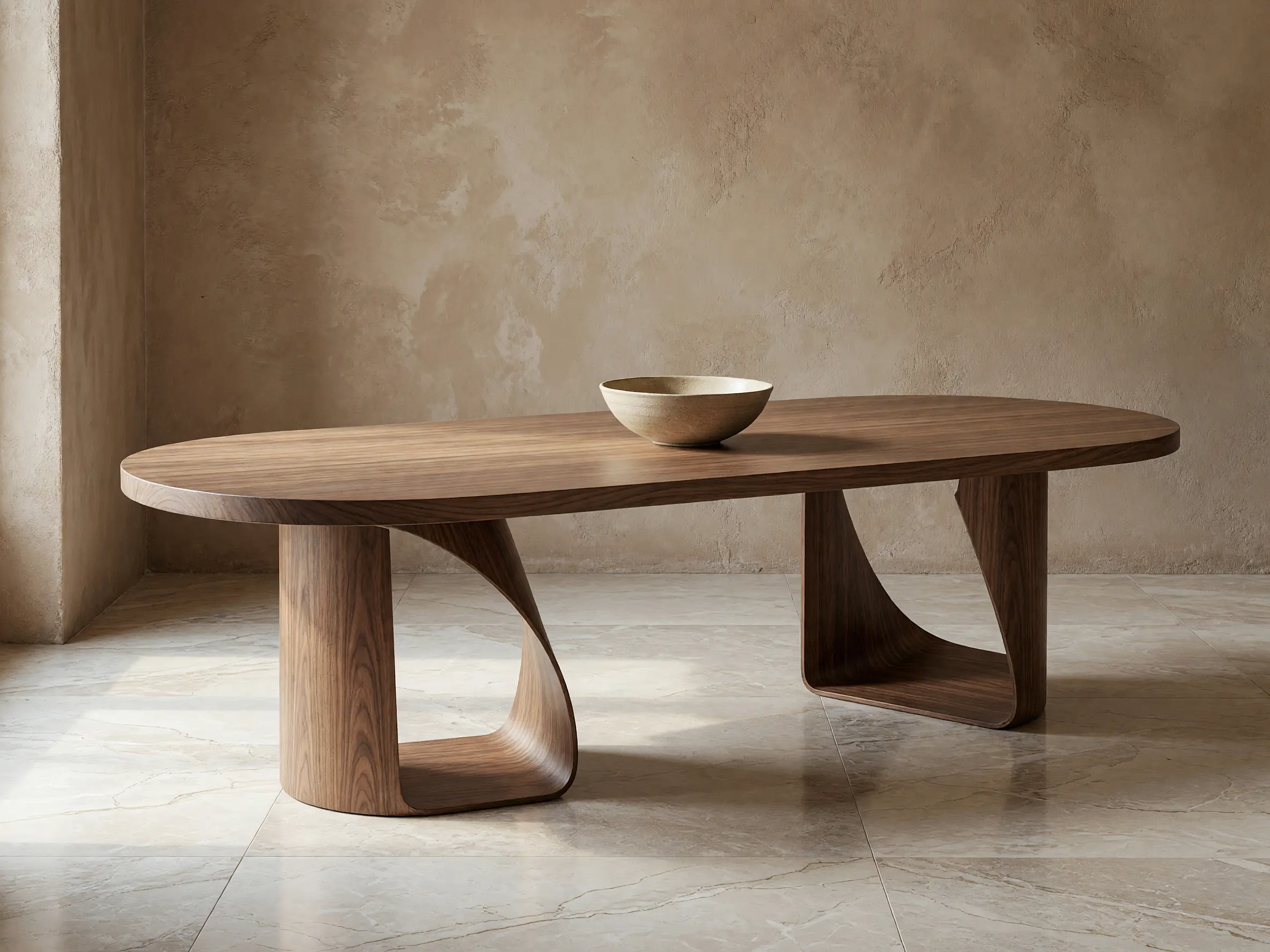
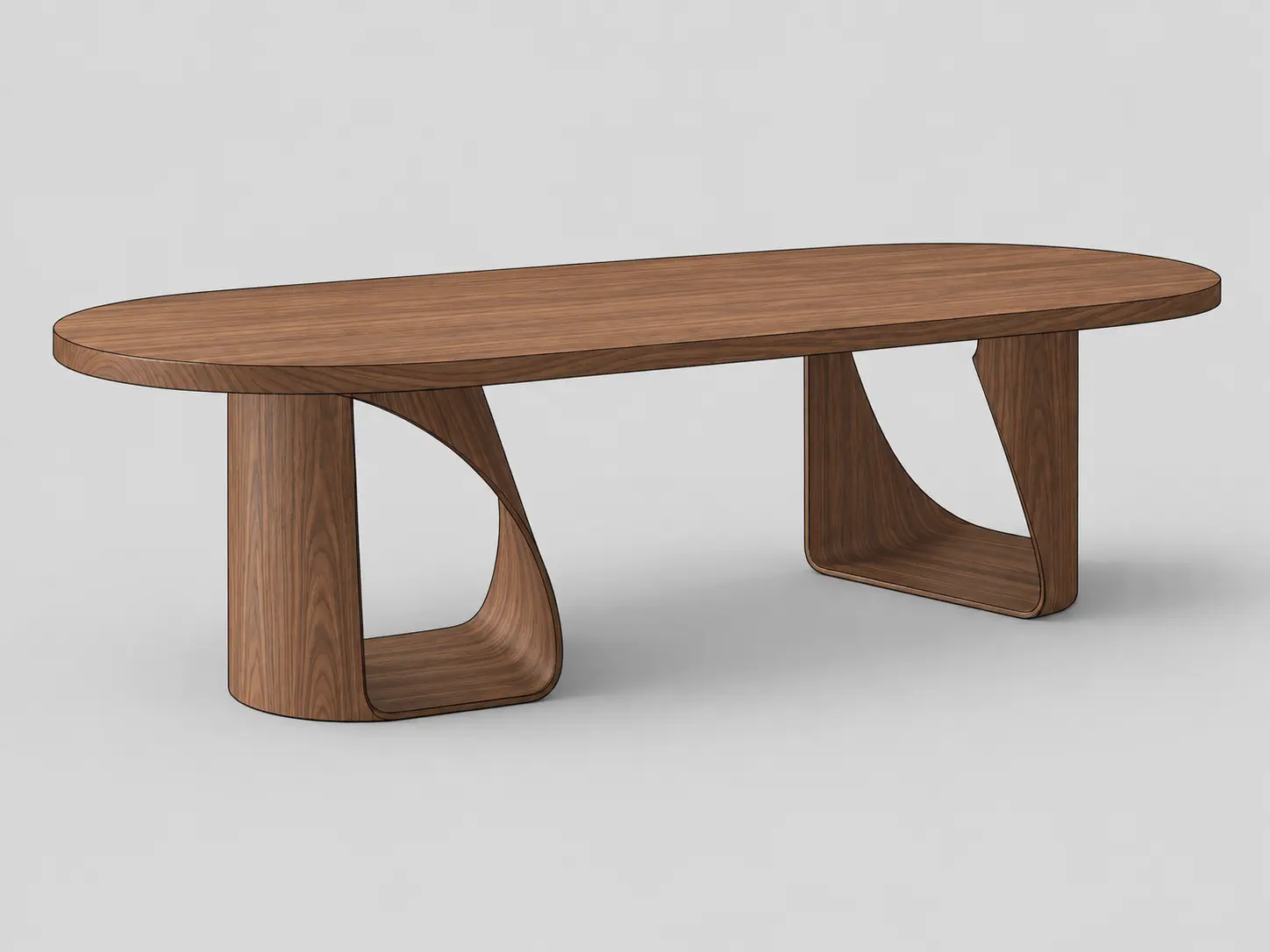
3D walnut dining table model transformed into a photorealistic editorial furniture render with realistic wood grain
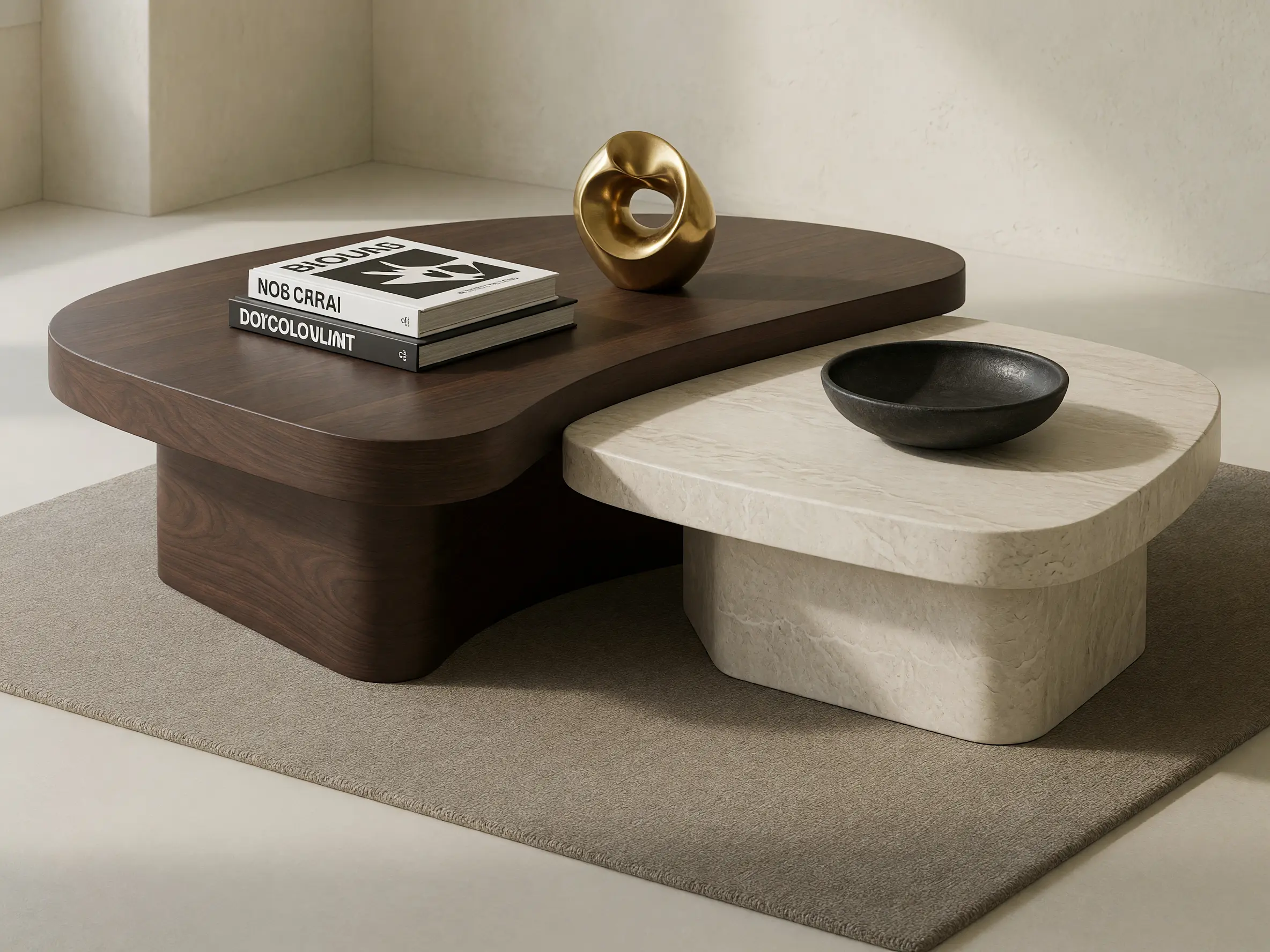
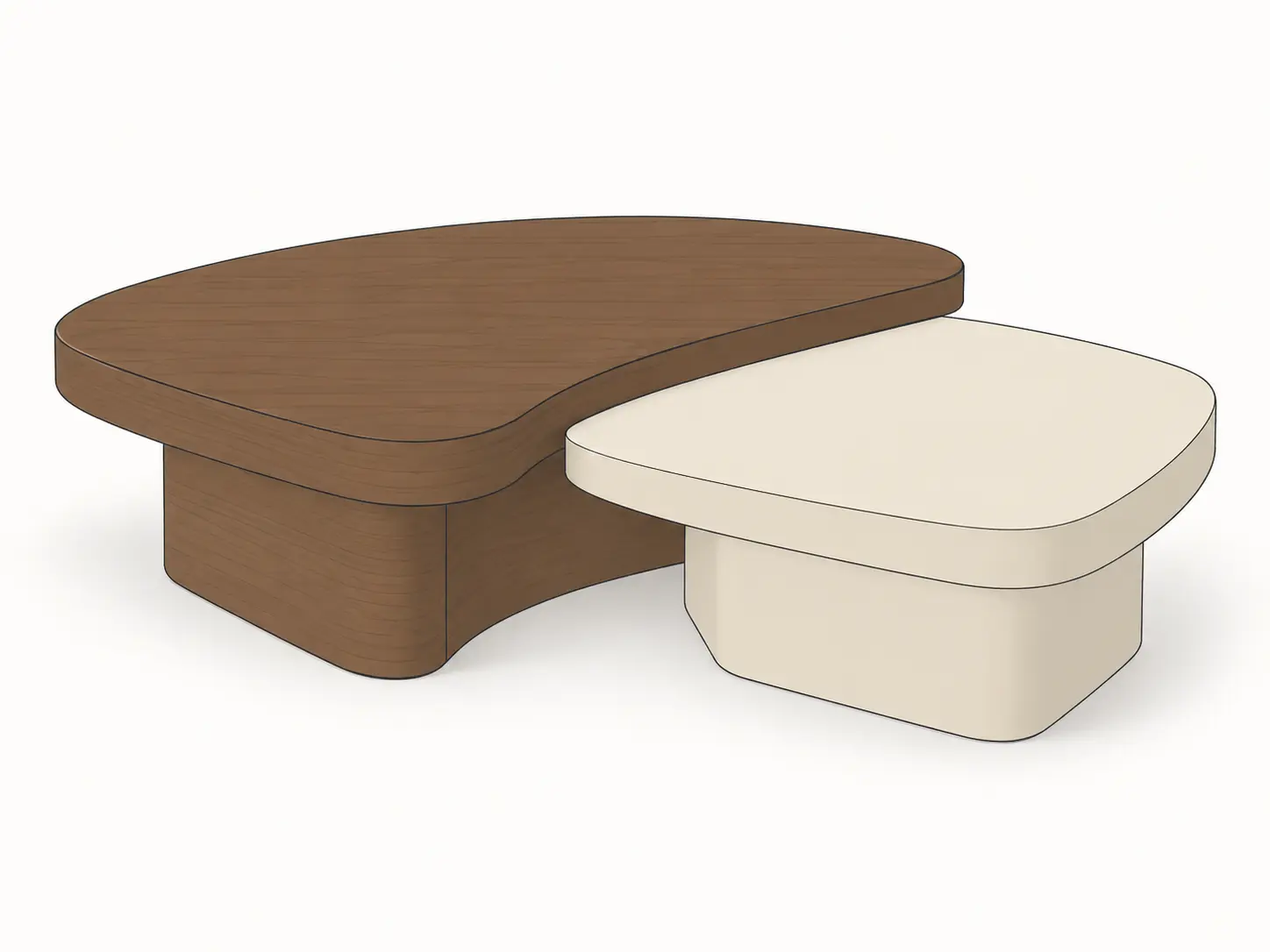
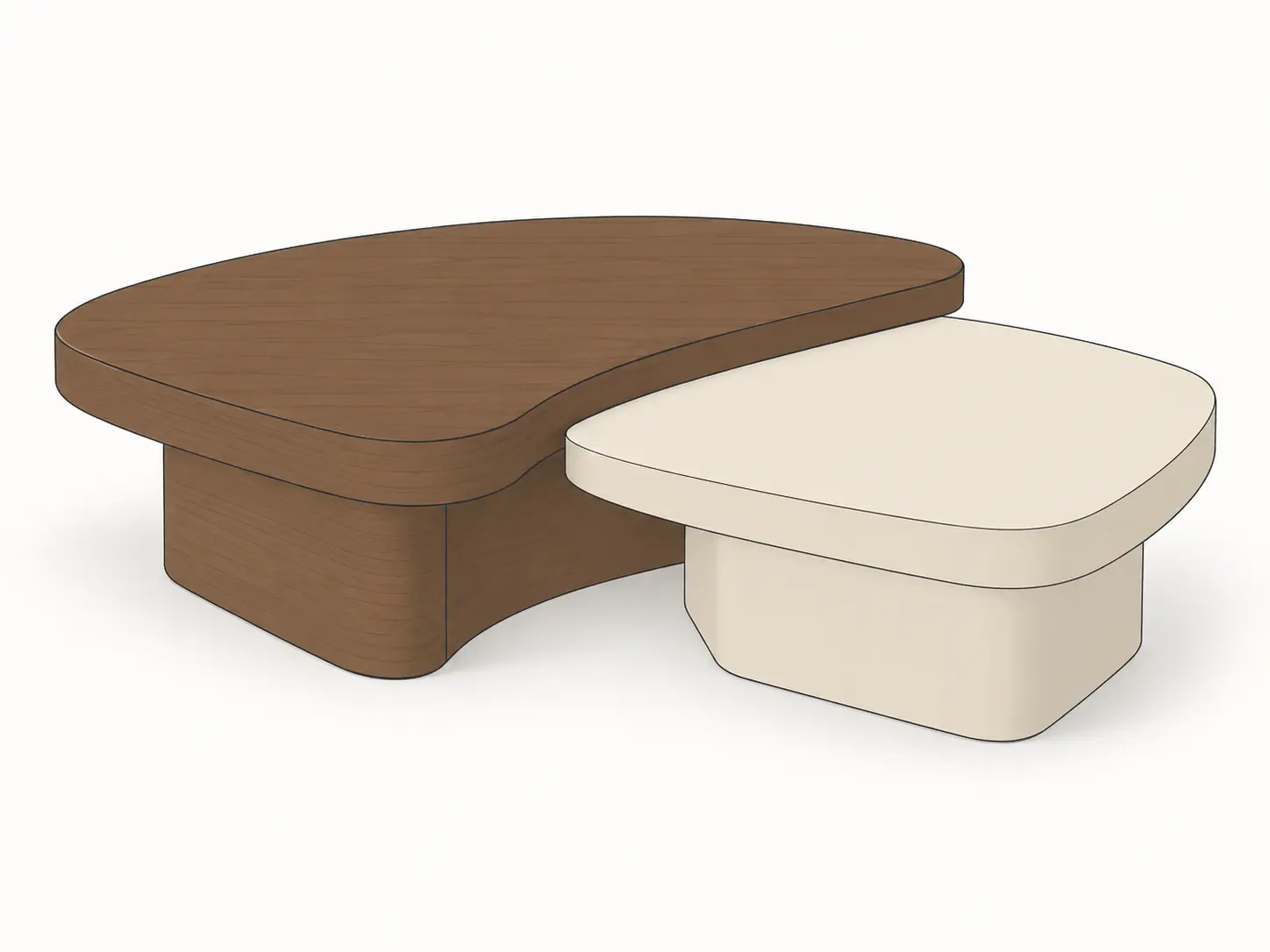
Two-piece coffee table model transformed into a photorealistic furniture render with dark walnut and light stone finishes
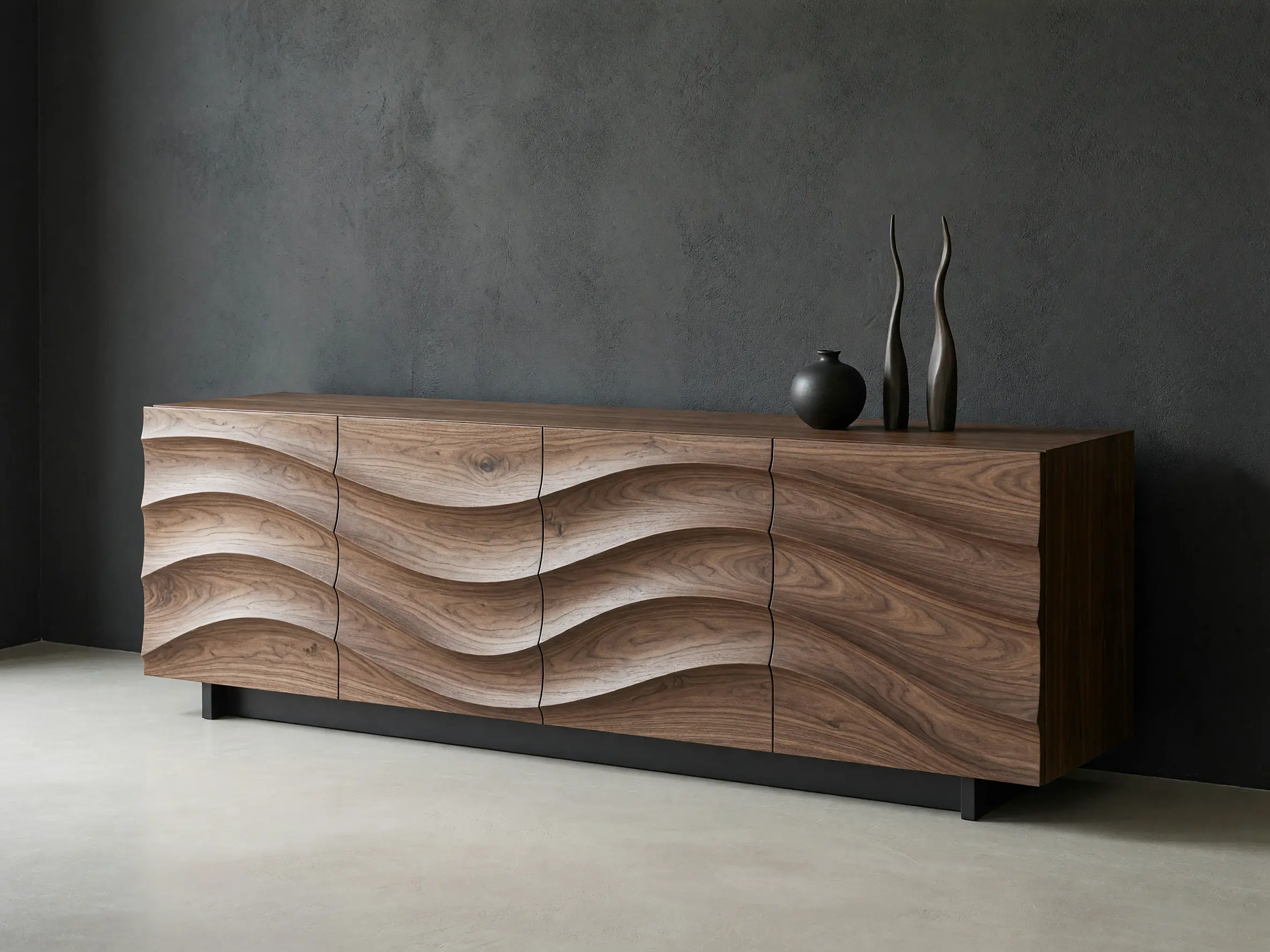
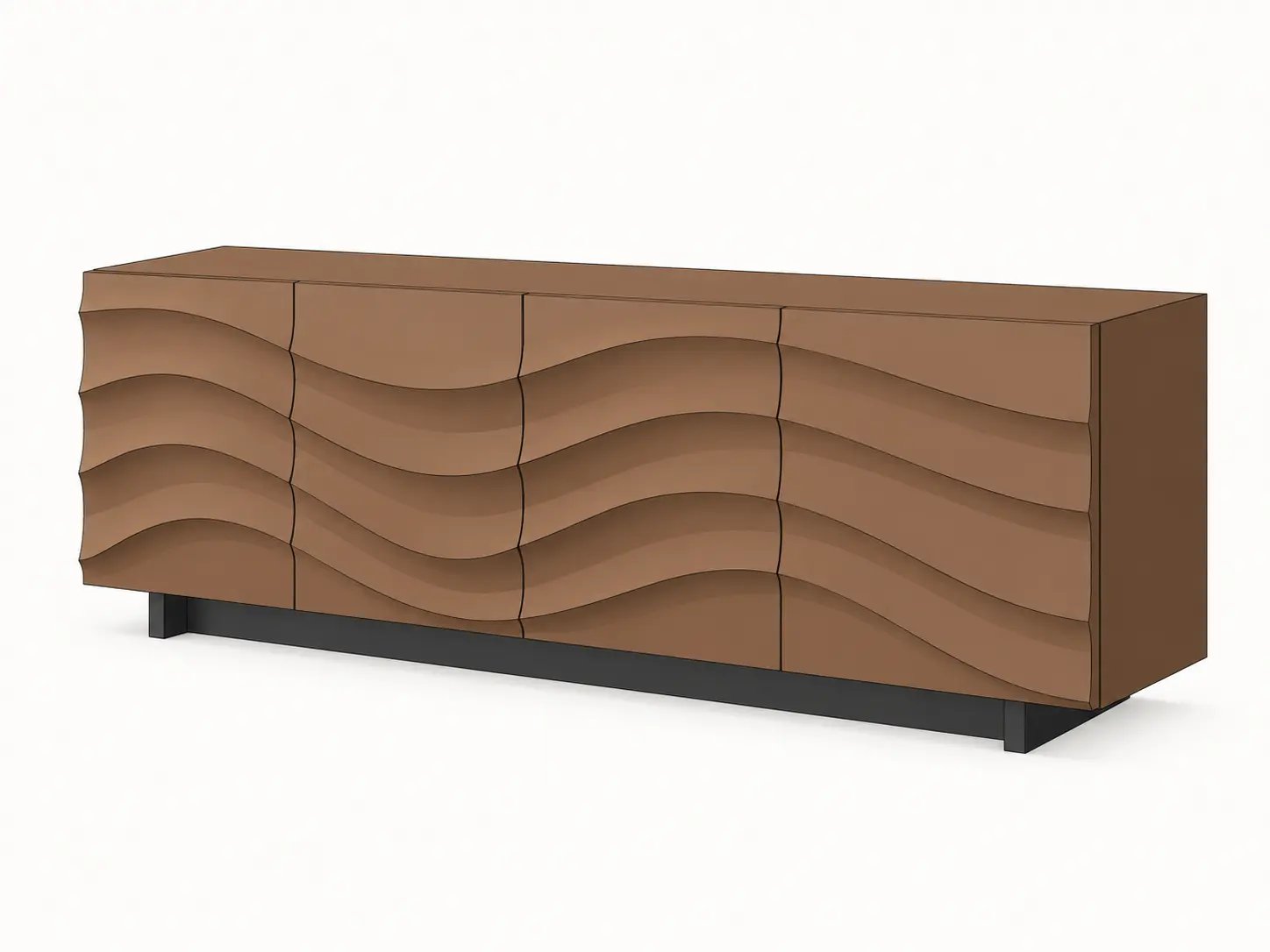
Sculpted wooden sideboard model transformed into a photorealistic furniture render with expressive walnut grain and wave-front drawers
FAQ
Common questions on 3D Furniture Rendering
Get started
Create photorealistic furniture renders with AI
Upload a furniture sketch, product image or 3D view and explore materials, finishes and lifestyle settings.
Render your furniture free- No credit card required
- Results in under 60 seconds