The best architectural rendering software depends on what you need to produce.
If your priority is maximum control over a final hero image, V-Ray or Corona still make sense. If you need live feedback while designing, Enscape, D5 Render, Twinmotion, and Lumion are stronger fits. If you want client-ready images without building a traditional render setup, newer AI rendering platforms such as Vibe3D, Chaos Veras, and Gendo offer a different route.
This guide compares 12 architectural rendering tools across AI, real-time, and production workflows, so you can choose based on the way you actually work, not on which product has the best demo reel.
Disclosure: Vibe3D is included because we build it. This is not a ranking based on a standardized hands-on benchmark of every product. We compared the tools using publicly available product information and the factors that matter most in architectural workflows: output quality, speed, design fidelity, workflow integration, hardware requirements, learning curve, and deliverables.
Best Architectural Rendering Software: Quick Picks
There is no single winner across every use case. A small architecture studio producing client stills has very different requirements from a visualization team building competition imagery or an interactive sales experience.
Architectural Rendering Software Comparison
| Software | Type | Best for | Typical workflow | Local GPU needed? | Learning curve |
|---|---|---|---|---|---|
| Vibe3D | AI rendering | Fast client-ready stills and presentation visuals | Export model view, then render/edit/relight in the browser | No | Low |
| Chaos Veras | AI visualization | AI generation inside design workflows | Plugin/web workflow from models, drawings, or sketches | No dedicated render GPU required for generation | Low-Medium |
| Gendo | AI rendering | Collaborative concept and presentation workflows | Browser-based shared canvas from sketches/model exports | No | Low |
| Enscape | Real-time | Live design reviews, BIM/CAD visualization, VR | Plugin inside supported design software | Yes | Low |
| D5 Render | Real-time | Photoreal real-time rendering and broad model connectivity | LiveSync or direct model import | Yes | Low-Medium |
| Twinmotion | Real-time | Walkthroughs, videos, scene population | Datasmith/direct-link style workflow | Yes | Low |
| Lumion | Real-time | Exterior, landscape, and presentation visuals | Model import/live workflow plus scene building | Yes | Low-Medium |
| Unreal Engine | Real-time / immersive | Custom interactive experiences and advanced visualization | Datasmith plus custom scene development | Yes | High |
| V-Ray | Production | Hero stills, marketing images, high-control output | Renderer integrated with major 3D tools | CPU or GPU | High |
| Corona | Production | Photoreal interiors and natural-light rendering | CPU-based production rendering | No dedicated GPU required for final rendering | Medium |
| Blender | Production / generalist | Free, highly customizable rendering workflows | Full 3D pipeline with Cycles/Eevee | CPU or GPU | High |
| KeyShot | Real-time / production | Furniture, product, and material studies | CAD/model import, then materials, lighting, output | Optional | Low-Medium |
How We Compared Architectural Rendering Software
For architecture, render quality alone is not enough.
We looked at six practical factors:
- Output quality: how suitable the tool is for client presentations, marketing, competition work, or final delivery.
- Iteration speed: how quickly a designer can move from a model or design view to a usable visual.
- Design fidelity: how much control the workflow gives you over geometry, materials, camera framing, and lighting.
- Workflow fit: whether the software works directly inside your modeling environment, through LiveSync, through file import, or from exported views.
- Hardware requirements: whether rendering happens locally or in the cloud.
- Learning curve: how much specialist rendering knowledge is needed before the tool becomes productive.
We also considered the kind of output each product is best at: stills, animations, VR, interactive presentations, or rapid client-facing iterations.
Three Types of Architectural Rendering Software
The market is no longer split between "fast" and "high quality." There are now three distinct workflows.
1. AI Rendering Platforms
AI rendering tools reduce the amount of manual scene setup needed to get from a design view to a polished image.
Instead of spending time configuring shaders, render samples, global illumination, or local hardware, you provide a model view, drawing, sketch, or model context and let the AI generate or enhance the image.
The trade-off is control. Generative systems can interpret a design rather than reproduce every parameter deterministically, so geometry and material fidelity matter when choosing a tool.
AI rendering is most useful when the goal is fast iteration, client presentation, material exploration, relighting, or producing multiple visual directions without rebuilding a full render scene.
2. Real-Time Renderers
Real-time tools keep the scene interactive while you work.
Enscape, D5 Render, Twinmotion, and Lumion are popular because architects can adjust materials, lighting, landscaping, and camera views while seeing the result immediately. They are especially strong for design reviews, walkthroughs, animations, and client meetings.
They usually need a capable local GPU, but they offer a level of 3D scene control that image-based AI workflows do not.
3. Production Renderers
V-Ray, Corona, Blender Cycles, and similar tools are built for deeper control over materials, lighting, cameras, and physically based rendering.
They take more time to learn and configure, but the trade-off is predictability and a higher ceiling for final-frame work.
For competition imagery, large-format marketing visuals, demanding interiors, or projects where every light and material must be art-directed, production rendering still has an important place.
1. Vibe3D
Best for: Fast client-ready renders from existing 3D design views
Vibe3D is a browser-based AI rendering workflow for architects and interior designers. Instead of importing a native 3D scene into another rendering engine, you export the camera views you already use in SketchUp, Revit, Rhino, Archicad, Blender, or another modeling tool and render those views in the browser.
The main advantage is workflow speed. You can generate a photorealistic render, create variations, relight the scene, make targeted edits, enhance the output, and prepare presentation visuals without setting up a conventional rendering scene or using a local GPU.
Vibe3D is most useful when you already have the design and camera composition and want to move quickly toward client-facing output.
Where it stands out
- Browser-based workflow
- No local rendering GPU required
- Multiple render engines for different stages of a project
- Relighting and targeted render editing
- Strong fit for fast client presentations and design iterations
- Works from views exported from common 3D and BIM tools
Where it is less suitable
Vibe3D is not a replacement for a fully controllable 3D renderer when you need exact shader networks, custom lighting rigs, physically simulated light transport, or direct navigation inside a live 3D scene.
2. Chaos Veras
Best for: Architects who want AI visualization inside their existing design tools
Chaos Veras approaches AI rendering from inside the modeling workflow. It works with tools including Revit, SketchUp, Rhino, Archicad, Vectorworks, and Forma, and can also be used through the web.
Veras can generate visuals from 3D models, 2D drawings, and sketches. That makes it useful earlier in the design process than a conventional render engine, particularly when the goal is to explore ideas rather than produce a fully art-directed final frame.
Its strongest advantage is integration. If you spend most of the day inside Revit or SketchUp, generating visual directions without moving into a separate rendering package can be useful.
Where it stands out
- Works inside familiar architectural design software
- Supports models, drawings, and sketches
- Good for fast concept exploration
- Fits naturally into the wider Chaos ecosystem
Where it is less suitable
Like most generative visualization tools, the output can reinterpret parts of the source design. That can be useful during ideation, but teams working on tightly resolved designs should pay close attention to geometry and material consistency.
3. Gendo
Best for: Architecture teams that want a shared AI rendering workspace
Gendo is built around a collaborative canvas rather than a traditional rendering interface.
Architects and designers can bring in sketches and model exports, create photorealistic renders, change materials, explore visual directions, and keep feedback around the imagery in one shared workspace.
That makes Gendo particularly interesting for teams where rendering is part of a wider design-review process rather than an isolated final-production task.
Where it stands out
- Shared collaborative canvas
- AI rendering and material exploration in one workspace
- Designed specifically around architecture and design teams
- Useful for concept-to-approval workflows
Where it is less suitable
Gendo is not a live 3D renderer. Teams that need to move through a model in real time, build complex animations, or control a fully editable 3D scene will still need a real-time or production renderer.
4. Enscape
Best for: Live architectural rendering directly inside BIM and CAD workflows
Enscape remains one of the most practical choices for architects who want rendering to stay close to the modeling environment.
It integrates with common architecture tools and updates the visualization as the model changes. That makes it particularly effective during design development, internal reviews, client meetings, and VR presentations.
The learning curve is relatively low compared with production renderers because the workflow is intentionally immediate: open the model, launch Enscape, and start reviewing the space.
Where it stands out
- Tight BIM/CAD integration
- Live model updates
- Strong for design review and VR
- Quick to learn compared with production renderers
Where it is less suitable
Enscape prioritizes immediacy over the deep material and lighting control available in V-Ray or Corona. For highly art-directed hero images, production renderers still give specialists more control.
If you are comparing other real-time and AI workflows, see our Enscape alternatives guide.
5. D5 Render
Best for: Photorealistic real-time rendering with strong model connectivity
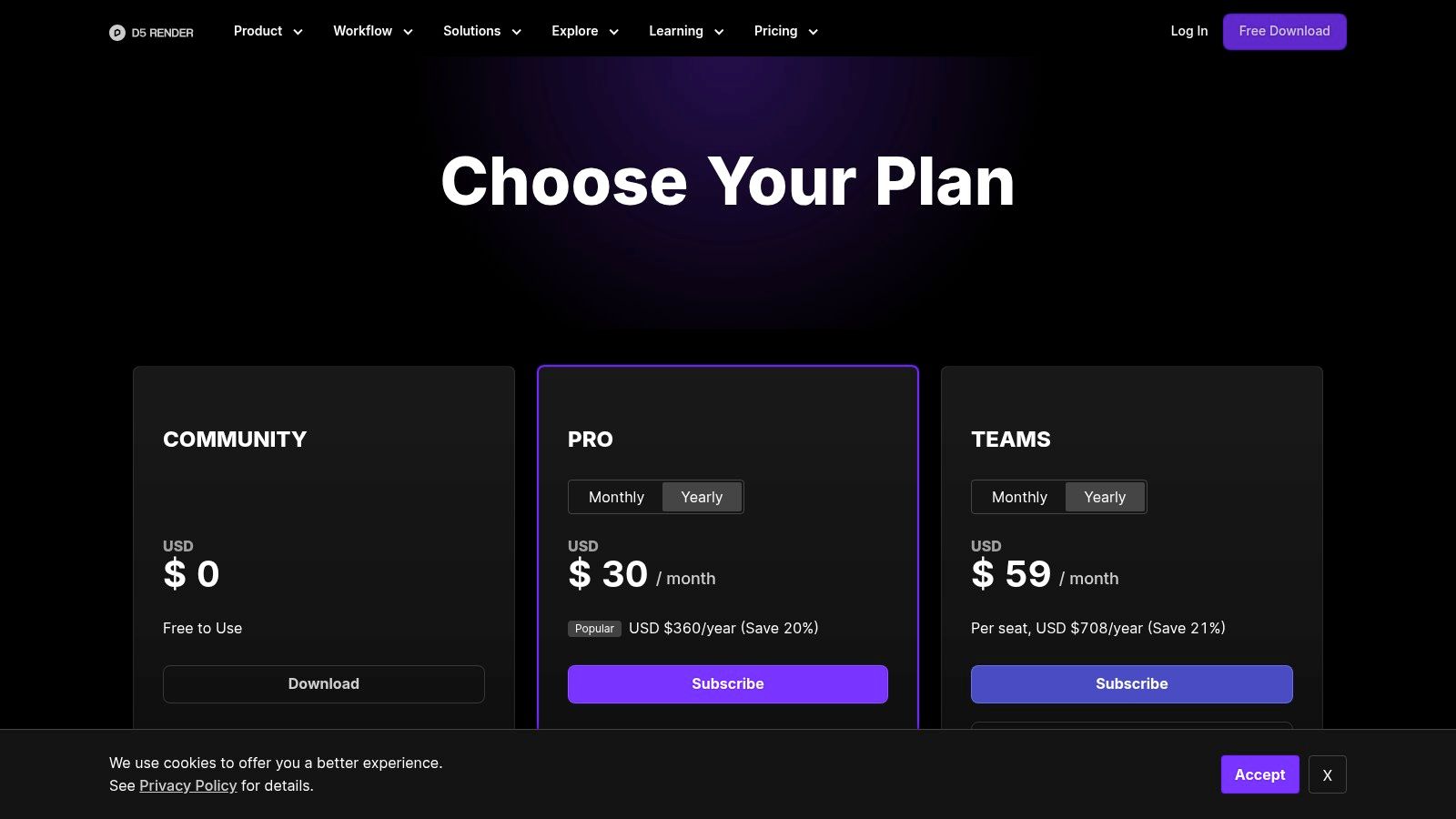
D5 Render has become a serious architectural visualization option by combining real-time path tracing, model synchronization, a large AEC asset library, and AI-assisted tools in one renderer.
It supports LiveSync workflows with major modeling applications and can also import several 3D formats directly. Unlike image-based AI renderers, D5 keeps you inside a true 3D scene where geometry, materials, lighting, cameras, and assets remain editable.
Its current positioning is particularly strong for architects who want the speed of real-time rendering without giving up the ability to build a detailed presentation scene.
Where it stands out
- Real-time path-traced rendering
- Broad LiveSync and model-import support
- Large architecture-focused asset library
- AI-assisted materials, scene building, and post-processing
- Stills, videos, panoramas, tours, and presentation outputs
Where it is less suitable
D5 requires compatible ray-tracing hardware and a Windows-based local workflow. It is therefore less accessible than cloud rendering for teams working on lightweight laptops or mixed hardware.
If you are weighing D5 against lighter workflows, see our D5 Render alternatives guide.
6. Twinmotion
Best for: Fast architectural walkthroughs, videos, and presentation scenes
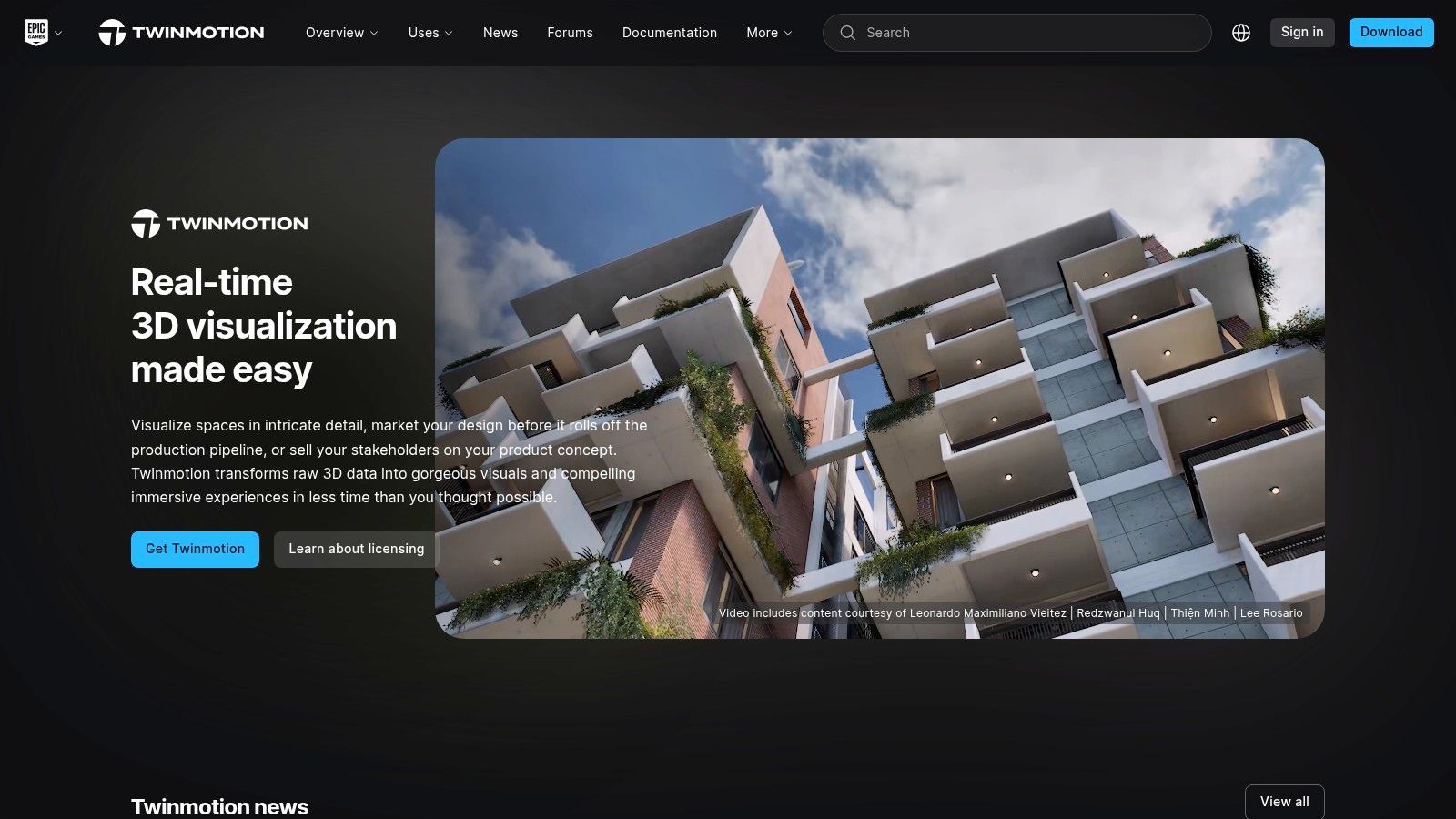
Twinmotion is designed to make real-time architectural visualization approachable.
Its strength is scene building. Architects can bring in BIM or CAD data, add people, vegetation, vehicles, weather, materials, and lighting, then produce images, panoramas, videos, and VR experiences from the same scene.
It is especially useful when the presentation needs movement and context rather than a single perfect still.
Where it stands out
- Easy scene population
- Strong animation and walkthrough workflow
- Broad architectural data connectivity through Datasmith
- Good fit for presentations and stakeholder reviews
- Bridge into Unreal Engine for more advanced work
Where it is less suitable
Twinmotion offers less granular control than a production renderer and less custom interactivity than Unreal Engine. It is best viewed as a fast presentation layer rather than a fully open-ended visualization platform.
For other tools built around fast architectural presentation, compare our Twinmotion alternatives.
7. Lumion
Best for: Exterior, landscape, and visually rich architectural presentations
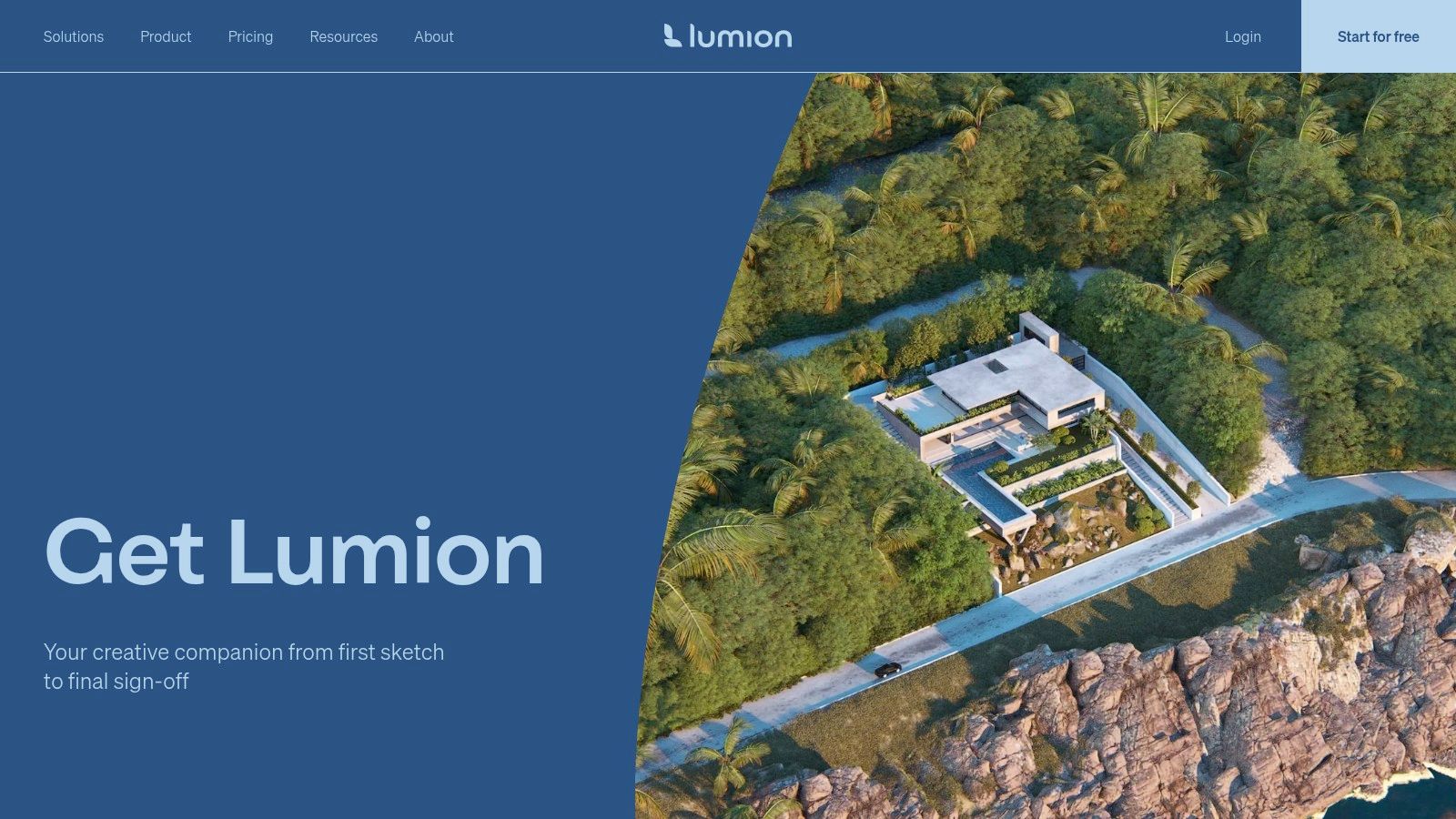
Lumion has long been popular with architects because it makes it quick to turn a design model into a complete scene.
Its large content library, environmental tools, weather, vegetation, people, and presentation effects are especially useful for exterior projects where context is as important as the building itself.
Lumion also continues to add AI-assisted features around materials and visualization, but its core strength remains real-time architectural scene creation.
Where it stands out
- Fast scene composition
- Strong exterior and landscape workflows
- Large built-in asset ecosystem
- Works with major architecture and design applications
- Good still, video, and presentation output
Where it is less suitable
Lumion needs capable local hardware, and designers looking for the fine-grained physical control of a production renderer may still prefer V-Ray or Corona for final hero imagery.
If hardware, cost, or workflow complexity is the issue, see our Lumion alternatives comparison.
8. Unreal Engine
Best for: Advanced interactive visualization, configurators, and immersive experiences

Unreal Engine is much more than architectural rendering software, but that is precisely why it belongs on this list.
Through Datasmith, architectural teams can bring CAD, BIM, and DCC data into Unreal Engine and build highly customized real-time experiences. The platform supports physically based materials, dynamic global illumination, ray tracing, path tracing, interactive logic, and immersive presentation formats.
For a standard client still, Unreal Engine is often more system than you need. For a virtual showroom, interactive property experience, digital twin, or custom real-time presentation, few tools offer the same flexibility.
Where it stands out
- Advanced real-time graphics
- Highly customizable interaction
- Strong Datasmith architecture workflow
- Suitable for VR, configurators, interactive sales experiences, and digital twins
- Can extend projects started in Twinmotion
Where it is less suitable
The learning curve is much higher than Enscape, Twinmotion, or D5. Unreal Engine makes the most sense when interactivity itself is part of the deliverable.
9. V-Ray
Best for: High-end architectural stills where control matters more than setup time
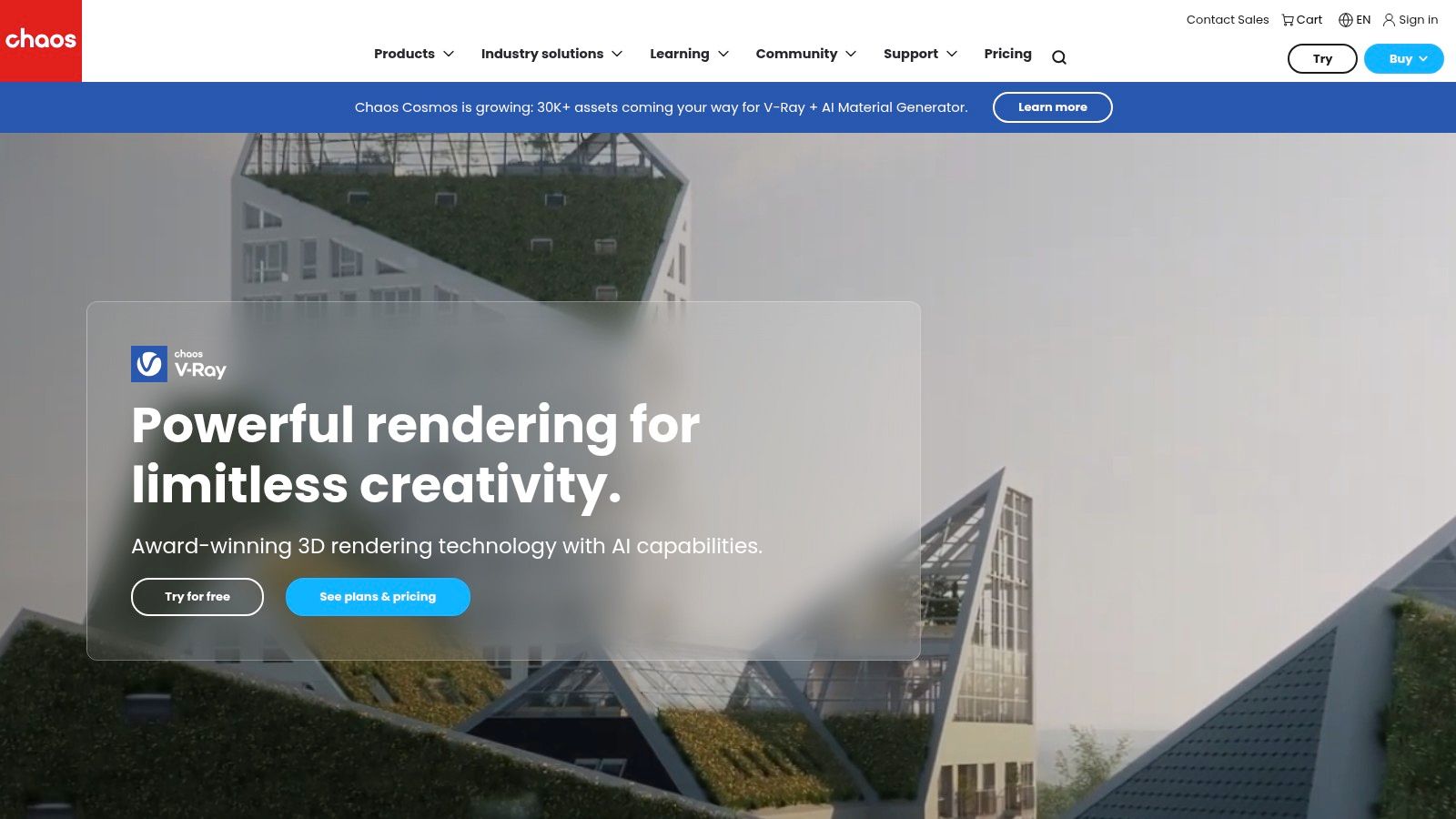
V-Ray remains a production standard because it gives artists deep control over materials, lighting, cameras, global illumination, and final output.
For complex interiors, competition images, marketing visuals, and hero shots, that control matters. You can art-direct the scene rather than asking the software to interpret it for you.
The cost is time and expertise. V-Ray rewards users who understand rendering fundamentals and are willing to build the scene carefully.
Where it stands out
- High ceiling for photorealism
- Detailed lighting and material control
- Mature professional ecosystem
- CPU and GPU rendering options
- Strong fit for specialist ArchViz production
Where it is less suitable
V-Ray is rarely the fastest route from an architectural model to a client-ready image if the user does not already know the software. For many architects, the setup and learning curve are the bigger constraint than the render time itself.
If you want a simpler or faster workflow, see our V-Ray alternatives guide.
10. Corona Renderer
Best for: Photoreal interiors, natural lighting, and production rendering with a gentler setup
Corona is a CPU-based production renderer known for a comparatively straightforward approach to photorealistic rendering.
It is particularly popular for interiors, where natural light, material response, and subtle indirect illumination matter. Interactive rendering makes it easier to judge changes while building the scene, while the final renderer still provides the control expected from a production workflow.
For teams that want high-end output but find V-Ray unnecessarily complex for their needs, Corona can be a good middle ground.
Where it stands out
- Strong natural-light rendering
- Good fit for interior visualization
- Interactive rendering during setup
- Production-quality stills
- Less intimidating workflow than many high-end renderers
Where it is less suitable
Corona is CPU-focused and more specialized than broad real-time tools. It is not designed for the quick live walkthrough workflow that Enscape, D5, or Twinmotion handle well.
11. Blender
Best for: Teams that want a free, flexible rendering and 3D production pipeline
Blender is the outlier on this list because it is not architecture-specific. It is a complete open-source 3D creation suite.
For architectural visualization, Blender gives artists a full modeling, materials, lighting, animation, compositing, and rendering pipeline. Cycles provides physically based rendering, while Eevee supports faster real-time workflows.
Its biggest advantage is flexibility and cost: the software itself is free, and a skilled user can build a highly customized workflow around it.
Where it stands out
- Free and open source
- Full 3D production pipeline
- Strong still and animation capability
- Large community and add-on ecosystem
- CPU and GPU rendering options
Where it is less suitable
Blender is not built around BIM or architectural practice out of the box. Getting from a Revit or SketchUp workflow to a polished Blender pipeline can take more setup than using a dedicated architecture renderer.
12. KeyShot
Best for: Furniture, fixtures, products, materials, and focused interior studies
KeyShot is primarily a product-visualization platform, but it can be useful in architectural workflows where the subject is a designed object rather than an entire building.
Its strengths are ease of use, physically based materials, lighting, and quick iteration from imported CAD geometry. That makes it a good fit for furniture studies, lighting products, fixtures, material presentations, and detailed interior vignettes.
Where it stands out
- Fast learning curve
- Strong material and lighting workflow
- Good CAD connectivity
- Useful for furniture and product visualization
- Real-time feedback while editing
Where it is less suitable
For large architectural scenes, landscaping, BIM-connected walkthroughs, or building-scale animation, architecture-focused tools such as Enscape, D5, Twinmotion, Lumion, or V-Ray are generally a better fit.
How to Choose Architectural Rendering Software
The easiest way to choose is to start with the deliverable.
If You Need Client-Ready Stills Quickly
Look first at AI rendering platforms.
Vibe3D is designed for taking exported 3D views through rendering, relighting, editing, enhancement, and presentation without a traditional render setup. Veras is stronger if you want AI directly inside supported design tools. Gendo is worth considering when the rendering process needs to happen in a shared collaborative workspace.
These tools trade some deterministic scene control for speed and accessibility.
If You Need Live Design Reviews
Choose a real-time renderer.
Enscape is especially strong when visualization needs to stay directly connected to the model. D5 Render offers a broader standalone visualization environment with real-time path tracing and a large asset library. Twinmotion and Lumion are strong when the scene needs context, people, landscaping, animation, and presentation polish.
If You Need a Final Hero Image
Choose a production renderer.
V-Ray gives specialists the deepest control. Corona is a strong choice for photoreal interiors and natural lighting. Blender gives you a capable production pipeline without a software license cost, provided you are willing to build the workflow.
If You Need an Interactive Experience
Use Unreal Engine.
For interactive sales tools, configurators, VR experiences, digital twins, or presentations where the audience needs to move through and interact with the design, Unreal Engine offers far more flexibility than a conventional renderer.
If You Do Not Have a Rendering GPU
Cloud and AI workflows are the simplest route.
Vibe3D and Gendo run in the browser, while Veras uses cloud-based AI generation through its supported workflows. Real-time applications such as Enscape, D5, Twinmotion, Lumion, and Unreal Engine depend much more heavily on local graphics hardware.
If Your Workflow Is Built Around Revit or SketchUp
Use the dedicated workflow guides rather than choosing from a generic ranking.
For Revit, see our Revit rendering guide.
For SketchUp, see our best rendering software for SketchUp comparison.
Architectural Rendering Software vs Architectural Visualization Software
The terms overlap, but they are not identical.
Architectural rendering software is primarily concerned with producing finished visual output from a 3D design: still images, animations, walkthroughs, or interactive scenes.
Architectural visualization software is broader. It can include modeling, rendering, animation, image generation, presentation, VR, and other tools used to communicate architecture.
If you are comparing the wider visualization stack rather than renderers specifically, see our separate guide to 3D architectural visualization software.
Which Architectural Rendering Software Should You Choose?
There is no universal best tool because the workflows are solving different problems.
Choose Vibe3D, Veras, or Gendo when the priority is fast AI-assisted visualization with less traditional render setup.
Choose Enscape, D5 Render, Twinmotion, or Lumion when you need a live 3D environment for design review, walkthroughs, animations, or scene building.
Choose V-Ray, Corona, or Blender when final-frame control matters more than setup time.
Choose Unreal Engine when the output needs to become an interactive experience.
Choose KeyShot when the focus is furniture, products, materials, or detailed design objects rather than a complete architectural scene.
For many studios, the answer will be more than one tool. A real-time renderer may handle everyday design reviews, an AI renderer may accelerate client options, and a production renderer may still be used for the handful of images that need full art direction.
The best architectural rendering software is the one that removes friction from the part of the workflow you repeat most often.
FAQs
What is the best architectural rendering software in 2026?
It depends on the deliverable. V-Ray and Corona are strong choices for highly controlled production stills. Enscape, D5 Render, Twinmotion, and Lumion are better suited to real-time visualization and walkthroughs. AI rendering platforms such as Vibe3D, Chaos Veras, and Gendo are useful when you need photorealistic client visuals with less render setup.
What is the fastest rendering software for architects?
"Fastest" depends on what you are trying to finish.
AI rendering platforms can be the quickest route from a design view to a polished still because they remove much of the traditional scene setup. Real-time tools such as Enscape and D5 are faster when the goal is continuous visual feedback while moving through a live 3D scene. Production renderers such as V-Ray and Corona usually require more setup but provide greater control over the final image.
Which architectural rendering software is best for photorealistic images?
For tightly art-directed final images, V-Ray and Corona remain strong production choices because they give artists detailed control over materials, light transport, cameras, and render settings.
D5 Render and Unreal Engine can produce highly realistic real-time output, while AI rendering tools can create convincing photorealistic presentation images much faster when the goal is iteration rather than manual control over every rendering parameter.
Do architects need a powerful GPU for rendering?
Not always.
Real-time renderers such as Enscape, D5 Render, Twinmotion, Lumion, and Unreal Engine rely heavily on local GPU performance. V-Ray and Blender can use CPU or GPU workflows, while Corona is primarily CPU-based.
Cloud AI rendering tools such as Vibe3D and Gendo do not require a dedicated local rendering GPU.
What is the difference between AI rendering and traditional rendering software?
Traditional renderers calculate the image from a 3D scene using defined geometry, materials, lights, cameras, and rendering parameters. They offer high control but require more setup.
AI rendering tools use generative models to create or enhance photorealistic visuals from a source view, drawing, sketch, or model context. They reduce setup time and make iteration faster, but the output can be less deterministic than a fully controlled 3D render.
Is free architectural rendering software good enough for professional work?
It can be.
Blender provides a full professional 3D and rendering workflow without a software license fee. Other tools offer free tiers, trials, or free access under specific licensing conditions.
The bigger cost is often time, hardware, and learning. A free renderer that takes days to master may be more expensive to a studio than a paid tool that fits naturally into its existing workflow.
Final Takeaway
Architectural rendering software in 2026 is no longer one category.
AI rendering has created a faster path to client-ready stills. Real-time engines have made rendering part of the design process itself. Production renderers still give specialists the most control when the final image has to be exact.
Start with the output you need, the software you already design in, the hardware you have, and how often the design changes.
Then choose the renderer that makes that workflow easier, not the one with the longest feature list.