
Archicad Rendering Workflow powered by AI
Turn Archicad BIM models into photorealistic renders in the cloud with faster rendering workflow.
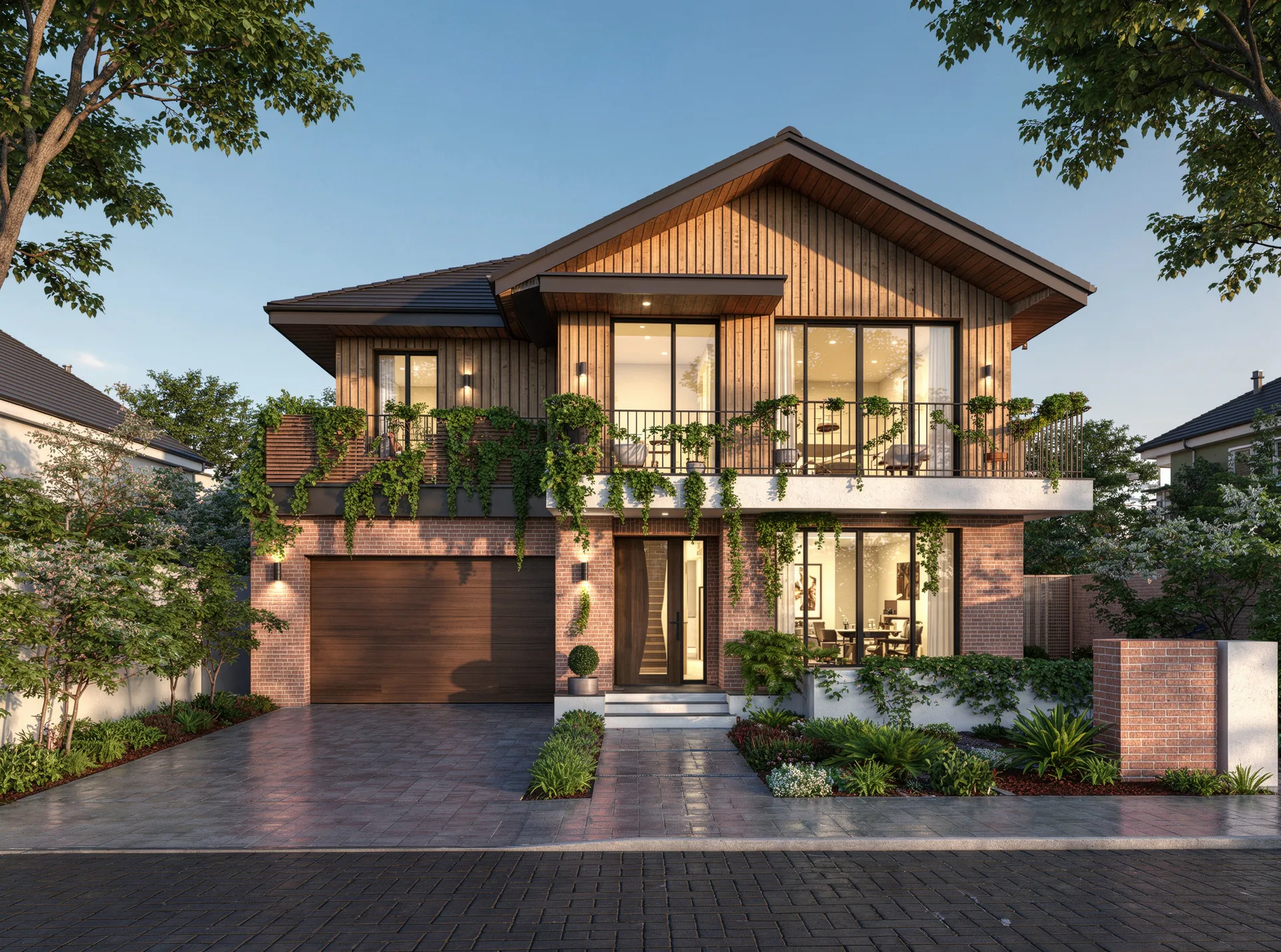
Render your Archicad model in 3 steps
Export your Archicad model
Start with your Archicad project and export the model or scene you want to render.
Choose a style and lighting direction
Select the mood, atmosphere, and lighting approach that best fits your project presentation.
Generate a photorealistic render
Create polished Archicad renders quickly in the cloud without relying on a traditional desktop rendering setup.
Traditional Archicad Rendering vs Vibe3D
| Feature Evaluation | Traditional Rendering | Vibe3D AI EngineRecommended |
|---|---|---|
| Render Workflow | Traditional rendering process | AI-assisted cloud rendering |
| Time Per Render | Longer manual workflow | Faster presentation workflow |
| Hardware Dependency | Desktop hardware dependent | Runs in a browser |
| Lighting Setup | More manual adjustment | Simplified style-based workflow |
AI for Archicad that renders models with zero setup
No plugins. No conversion steps. No geometry loss. Vibe3D reads your Archicad models directly — preserving materials, scene views, and model accuracy so your renders reflect your design intent precisely.
Render a Archicad model freeBuilt for Archicad BIM workflows
Vibe3D supports Archicad-based architectural workflows and helps teams move from BIM model to presentation image more efficiently.
AI-assisted material and scene interpretation
Archicad geometry, materials, and project information are interpreted to generate more realistic lighting, textures, and presentation quality.
Supports complex architectural models
From residential projects to larger commercial scenes, Vibe3D helps visualize detailed Archicad models with less rendering overhead.
Faster iteration for client presentations
Generate multiple visual directions more quickly for reviews, approvals, and presentation workflows.
Elevate your Archicad rendering workflow with AI
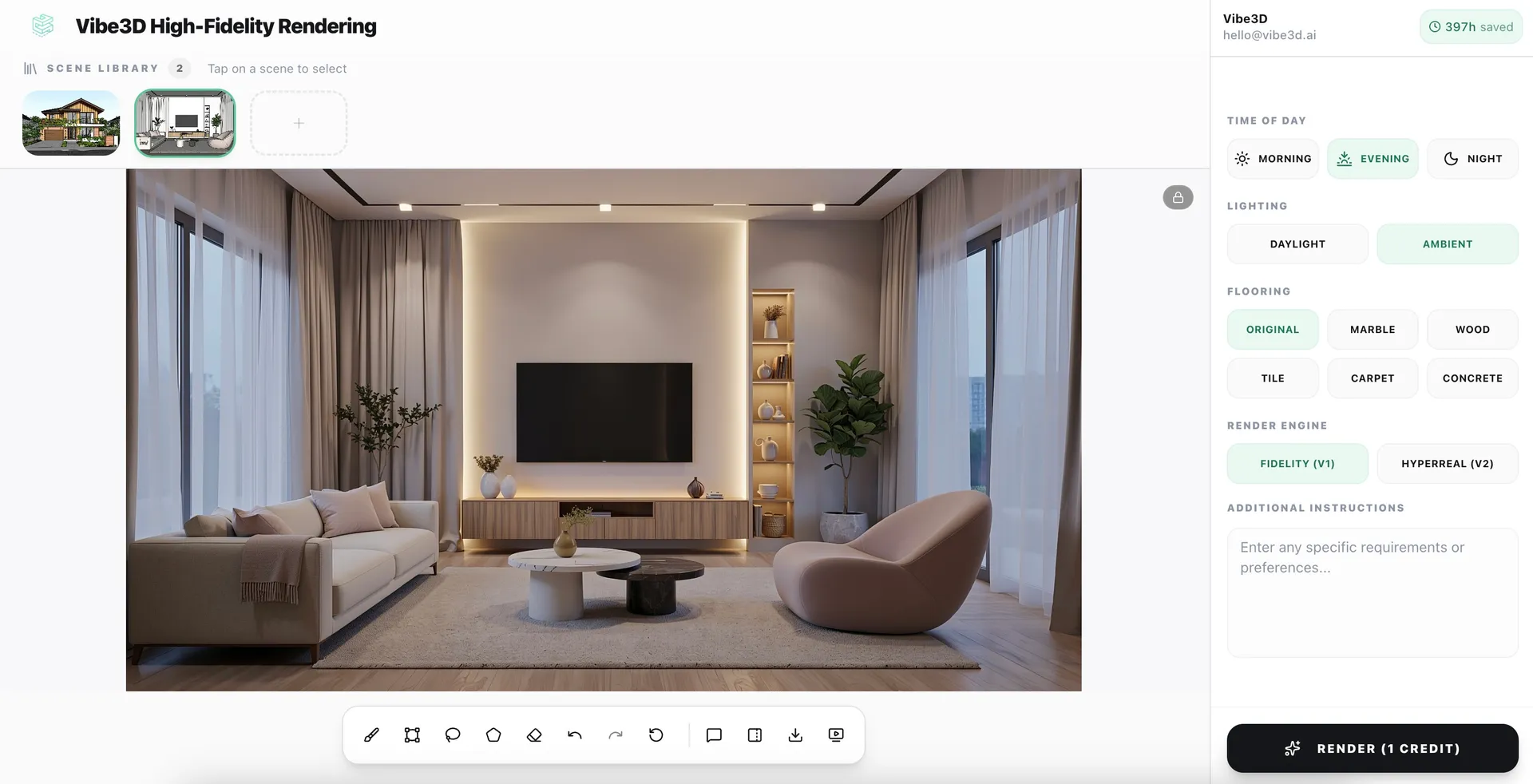
Photorealistic renders from your Archicad models in under 60 seconds
No lighting rigs. No shader setup. No post-processing. Just upload your model and let Vibe3D's AI engine do the rest.
Explore High-Fidelity 3D Rendering
Change materials, lighting, and mood in one-click
Use natural language to swap finishes, adjust time of day, or restyle any scene after your Archicad render is already done — without any remodeling.
Explore Render Editing
Create Cinematic videos from your Archicad renders
Transform static Archicad models into fluid, cinematic architectural flythroughs — no animation software or video production skills needed.
Explore Cinematic VideosEverything you need to render Archicad models
Archicad AI Rendering — Frequent Questions
How do I render an Archicad model with AI?
Export your Archicad project and upload it to Vibe3D. Choose a visual style or lighting direction and the AI generates a photorealistic architectural render without a traditional renderer.
What is the best AI renderer for Archicad?
Vibe3D is designed for architects who want a faster Archicad rendering workflow. It is cloud-based, requires no GPU, and produces photorealistic output in under 60 seconds.
Can I create photorealistic Archicad renders without a GPU-heavy rendering setup?
Vibe3D is cloud-based, so you can create photorealistic renders from Archicad without a dedicated local rendering workstation.
Does Vibe3D support Archicad BIM workflows?
Vibe3D is built to fit Archicad-based architectural workflows, helping teams convert BIM models into polished presentation visuals without the usual rendering overhead.
Which Archicad versions does Vibe3D support?
Vibe3D supports Archicad versions 24 through 27, covering the release cycle most firms use today.
Is Vibe3D a good rendering alternative for Archicad users?
Archicad users who want photorealistic output, faster turnaround, and a simpler rendering workflow generally find it a practical fit.
More Ways to Use Vibe3D with Archicad
Turn your Archicad interior models into photorealistic room renders in seconds
Exterior RenderingGenerate photoreal exterior renders with sky, lighting, and landscaping from Archicad
Site Plan RenderingConvert 2D site plans into realistic 3D visualizations
Vibe3D vs V-Ray for ArchicadSee how Vibe3D compares to V-Ray — faster, cloud-based, no GPU required
Example RendersBrowse photorealistic AI renders from real architectural models